A Christmas Carol
Charles Dickens
Tonight in the demo · 1 of 29 books
A Christmas Carol
Charles Dickens · 3.5 h · read by Bob Neufeld for LibriVox
Press play to open the demo. No sign-up, nothing to install. It opens the real web player.
Self-hosted audiobooks · free, no tiers
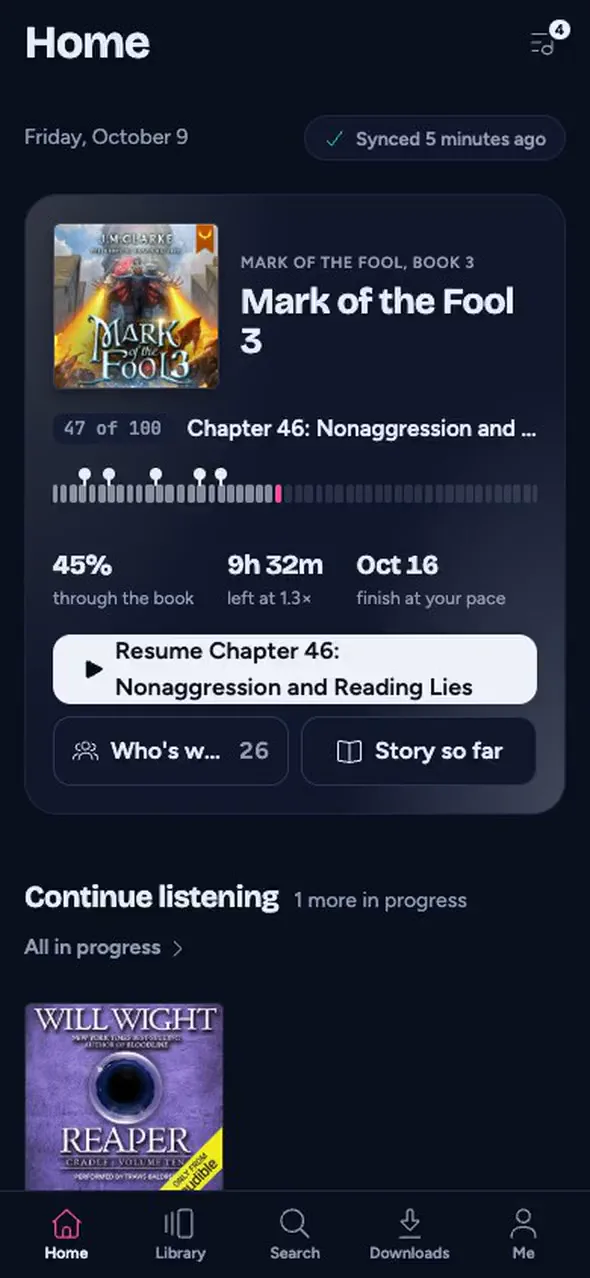
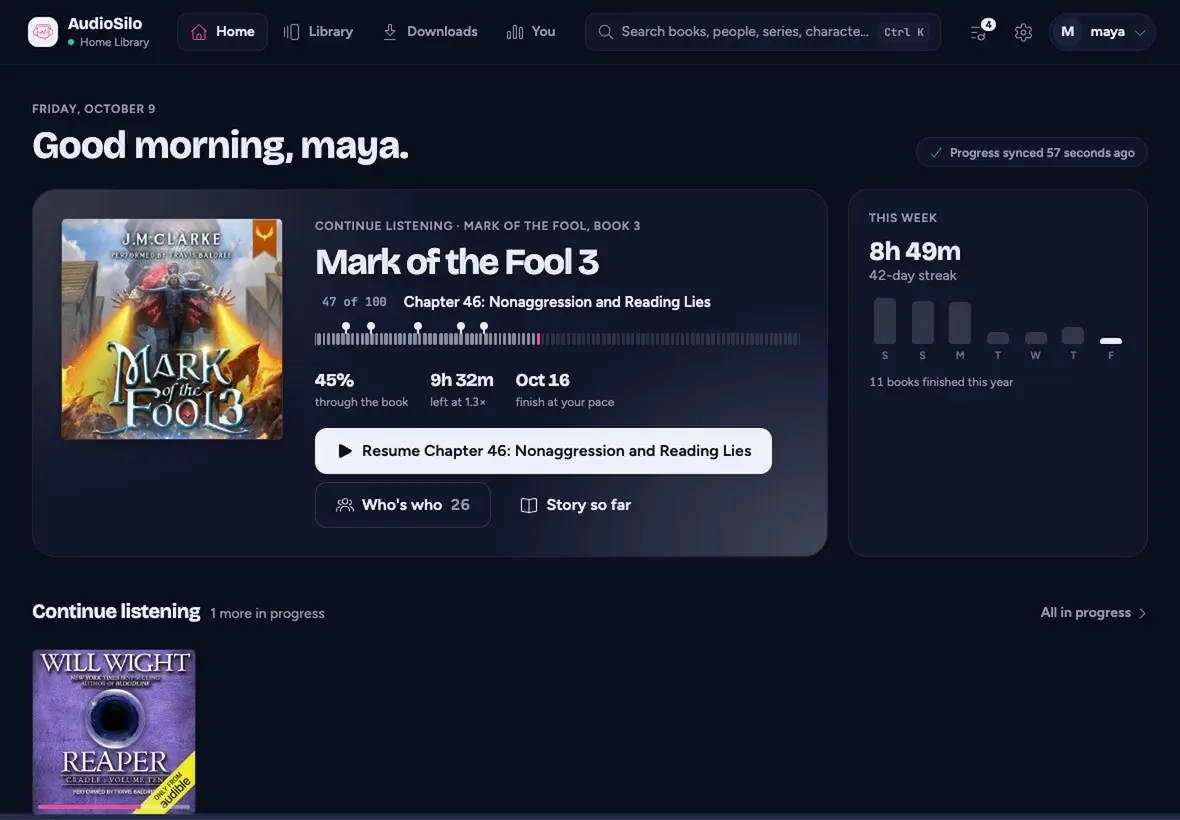
AudioSilo is an audiobook server you run at home and a player for the web, iPhone, iPad and Android. Your books stay on your machine. Every screen picks up where you left off.
Try the demo
No sign-up. Opens in your browser.
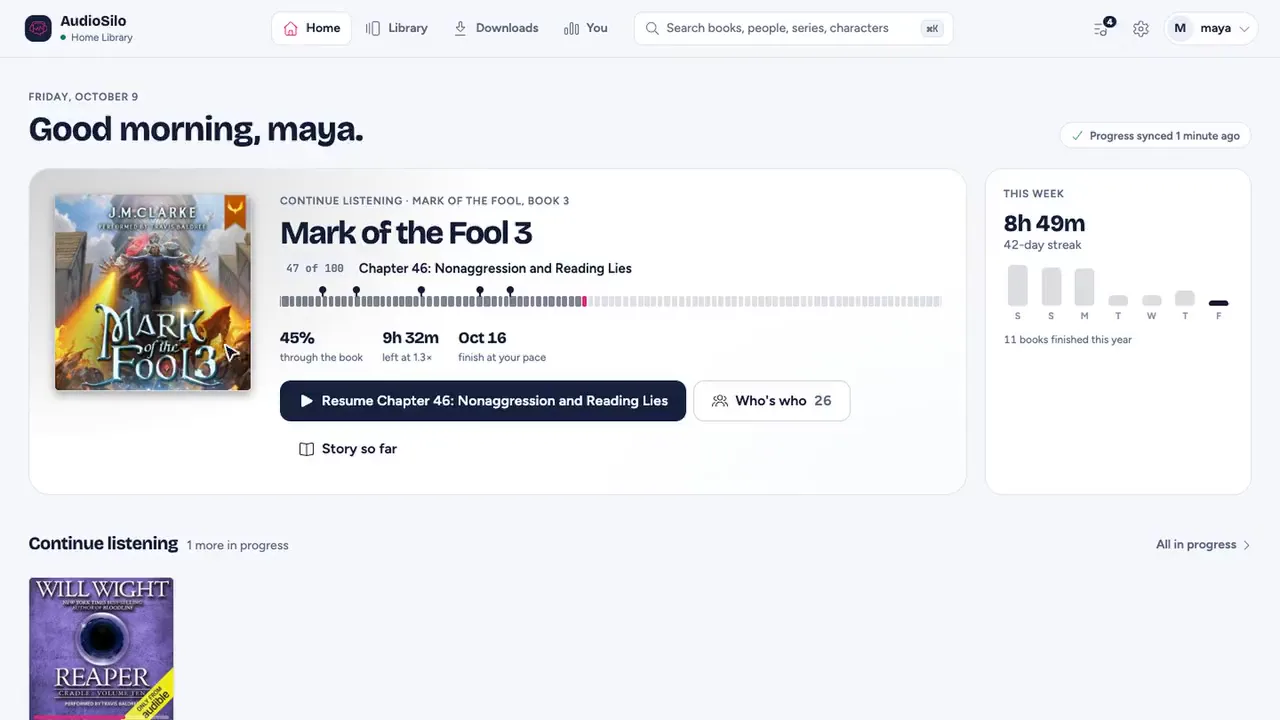
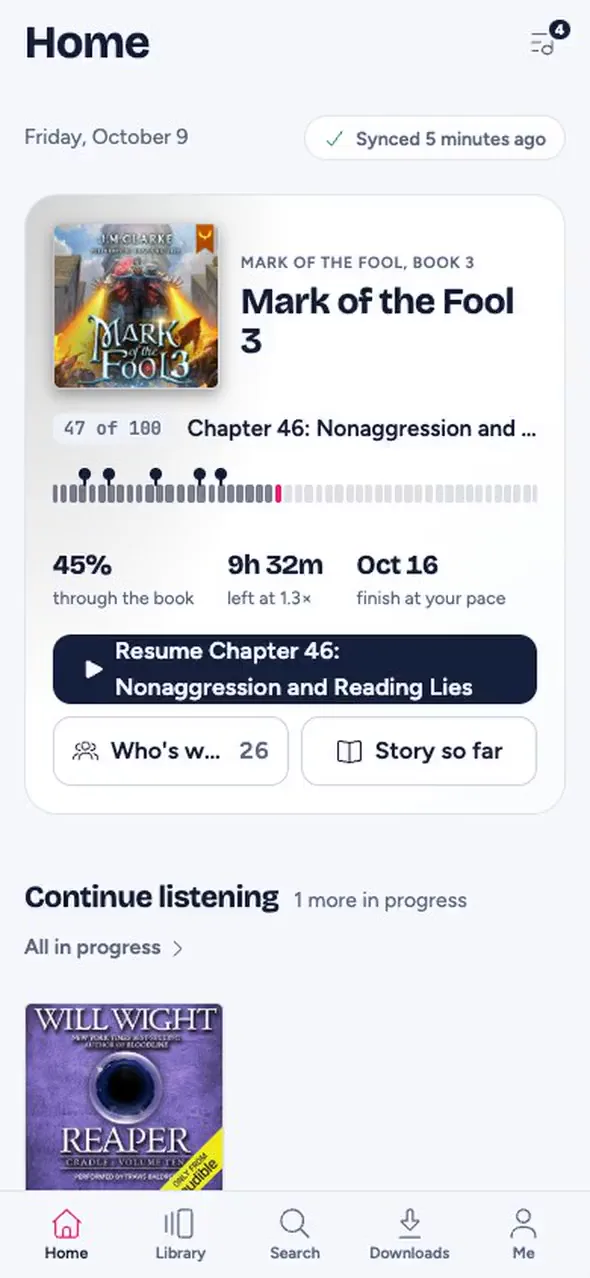
How it fits together
A server you run, a player for every screen, and a shared database that fills in the details your files got wrong.
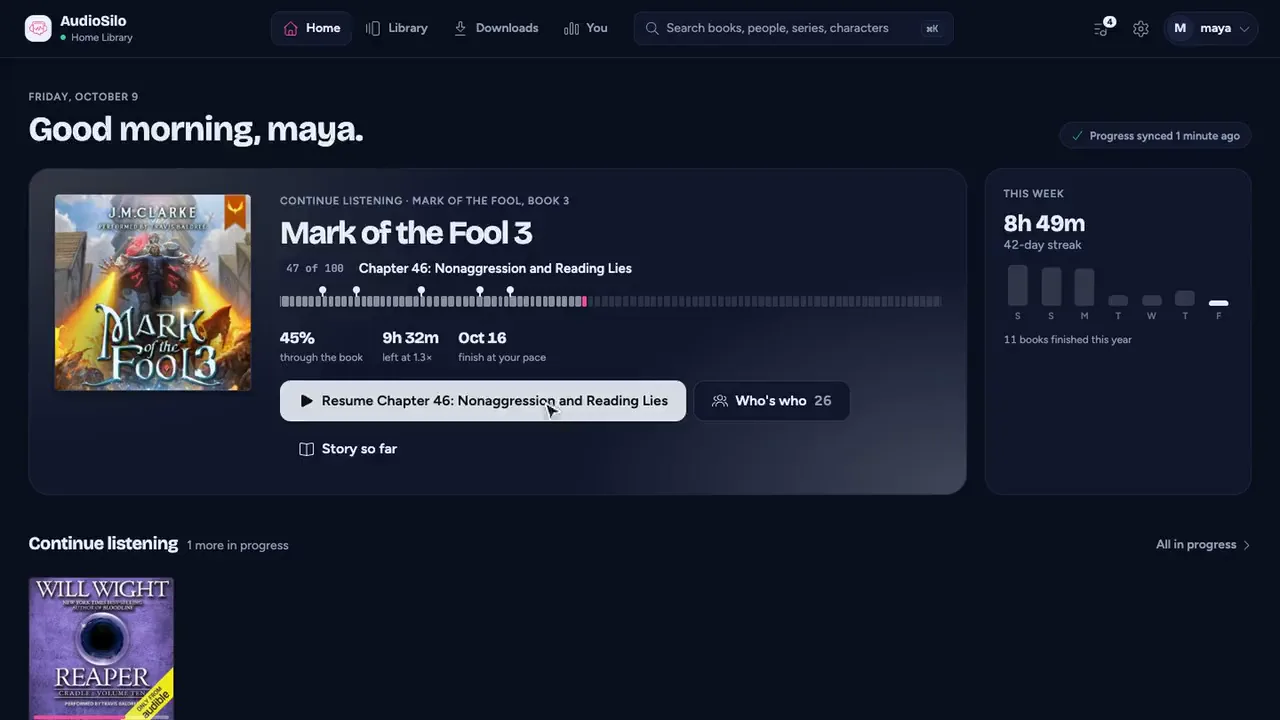
01 · The player
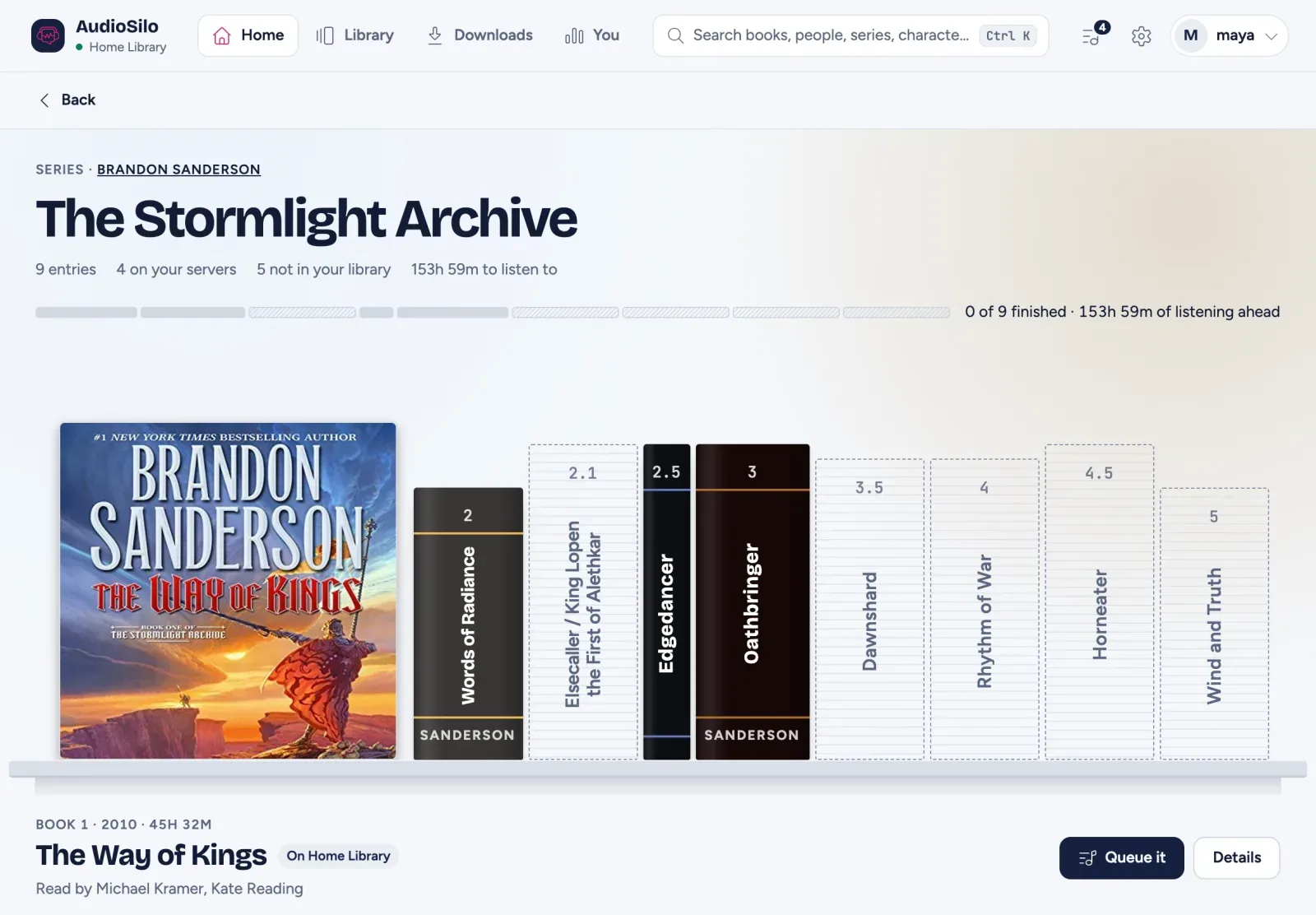
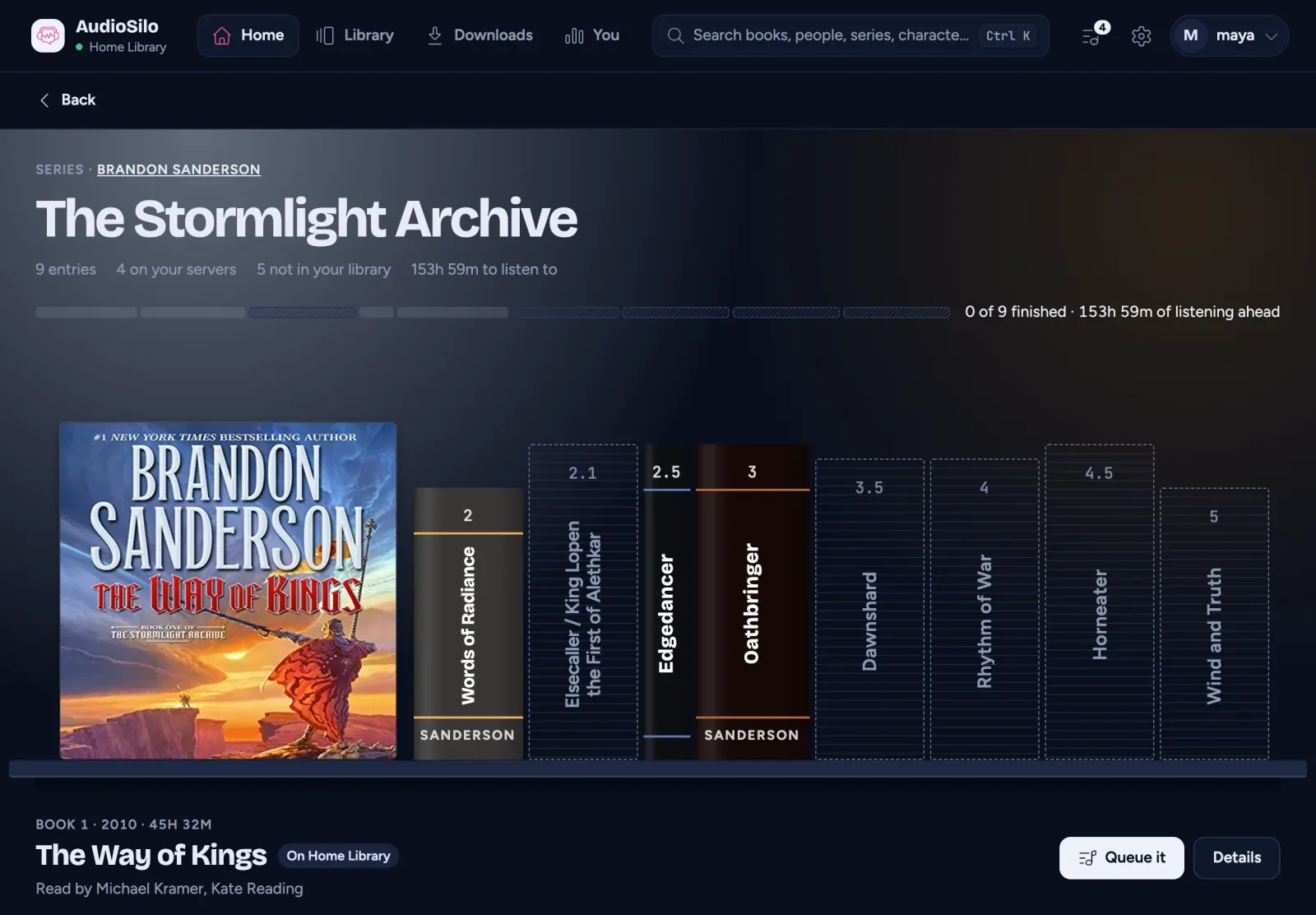
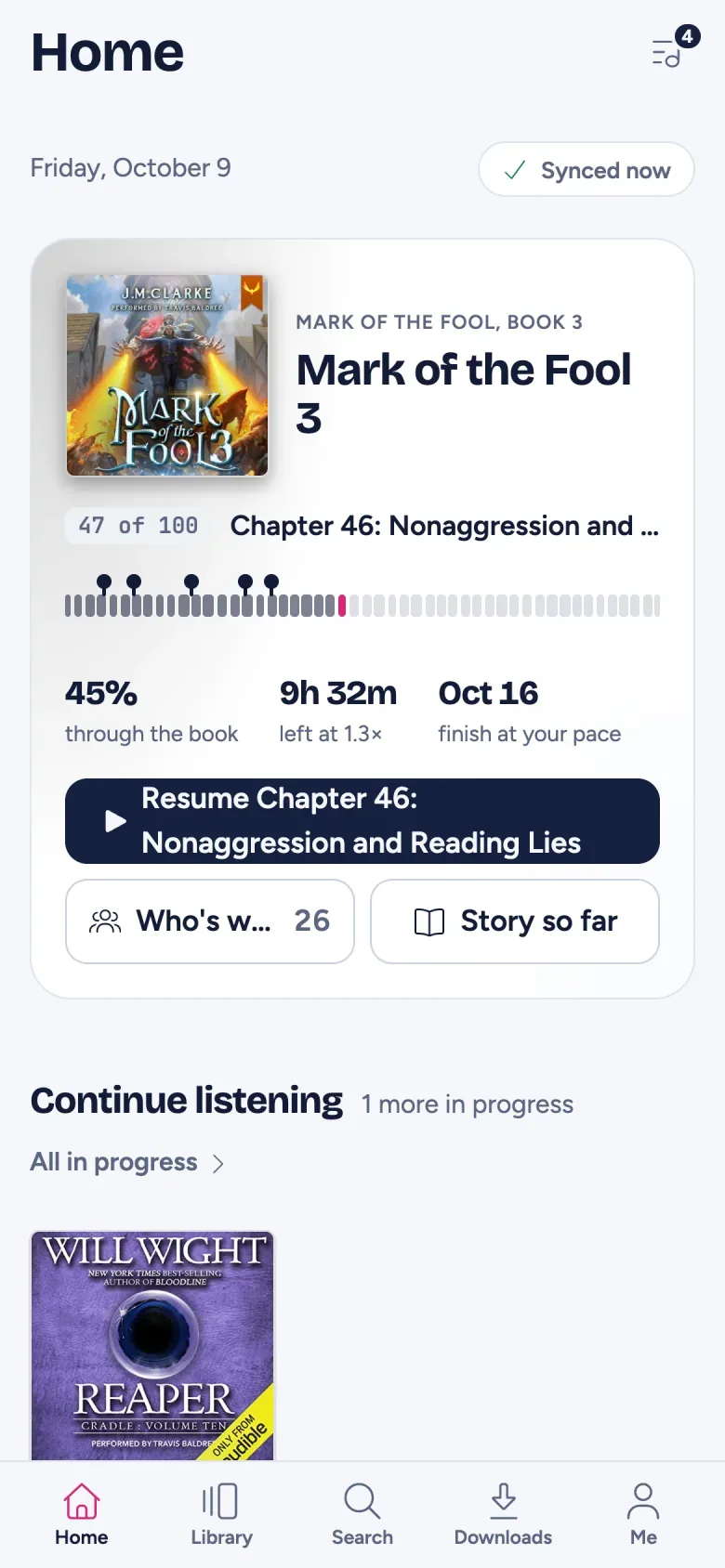
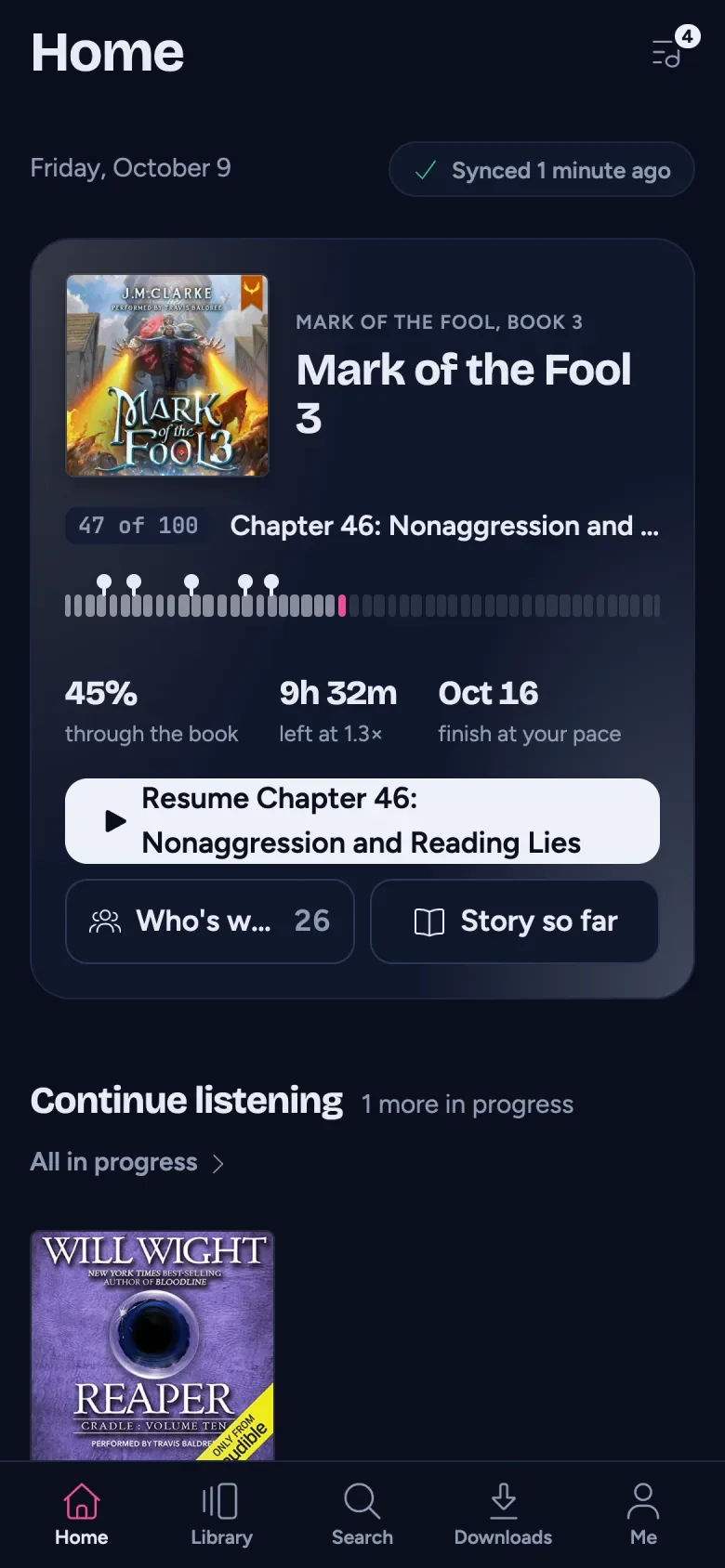
02 · The server
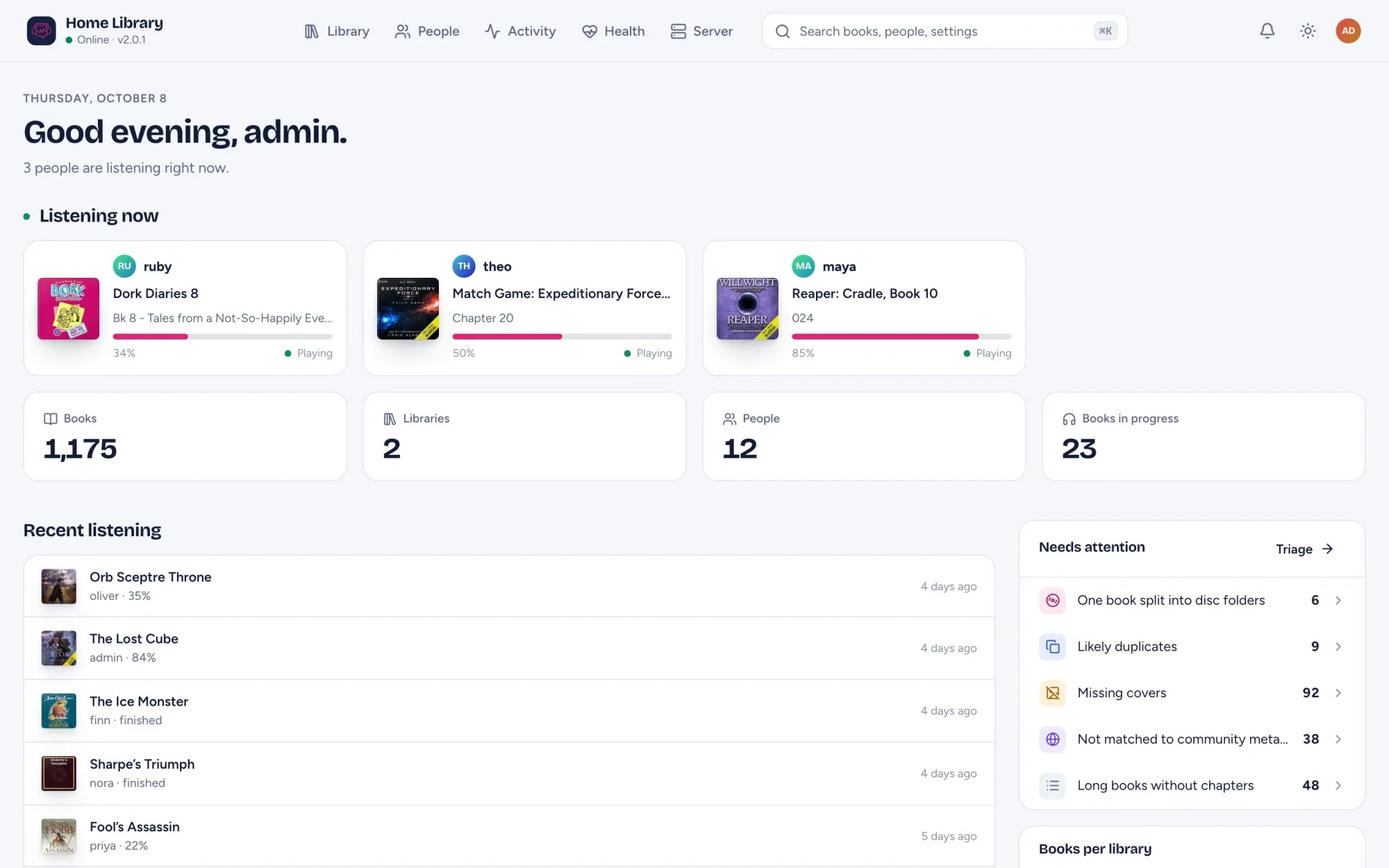
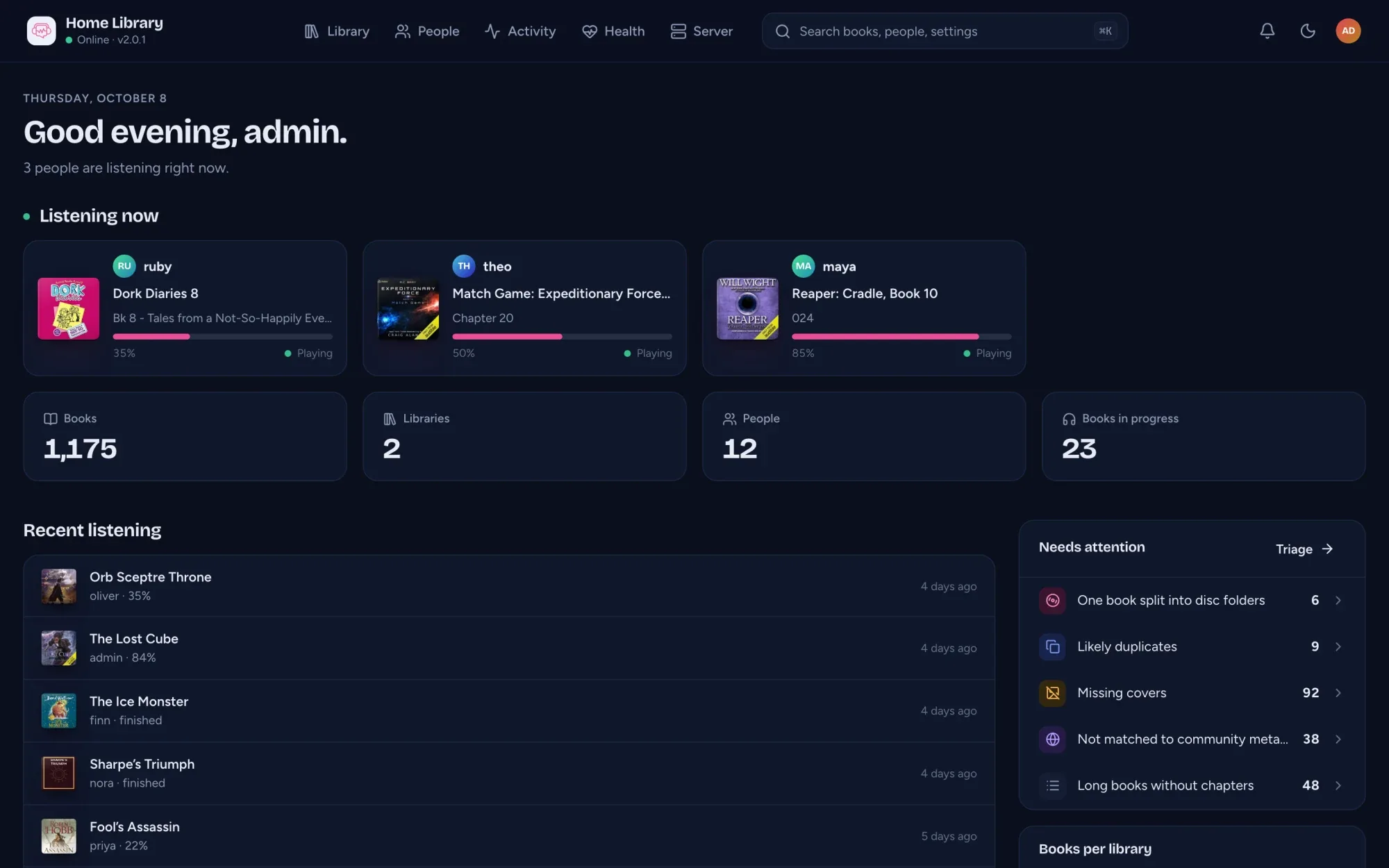
03 · The metadata
How they talk to each other
Your books folder
.m4b, .mp3, .flac and friends. Read, never written to.
Your AudioSilo server
Indexes, streams, keeps everyone's progress. Ships the web player.
The player
The web, iPhone, iPad and Android. Progress follows you between them.
meta.audiosilo.app
Your server asks it about a book by ASIN or ISBN. One switch turns it off.
The player
The same app on the web, iPhone, iPad and Android.
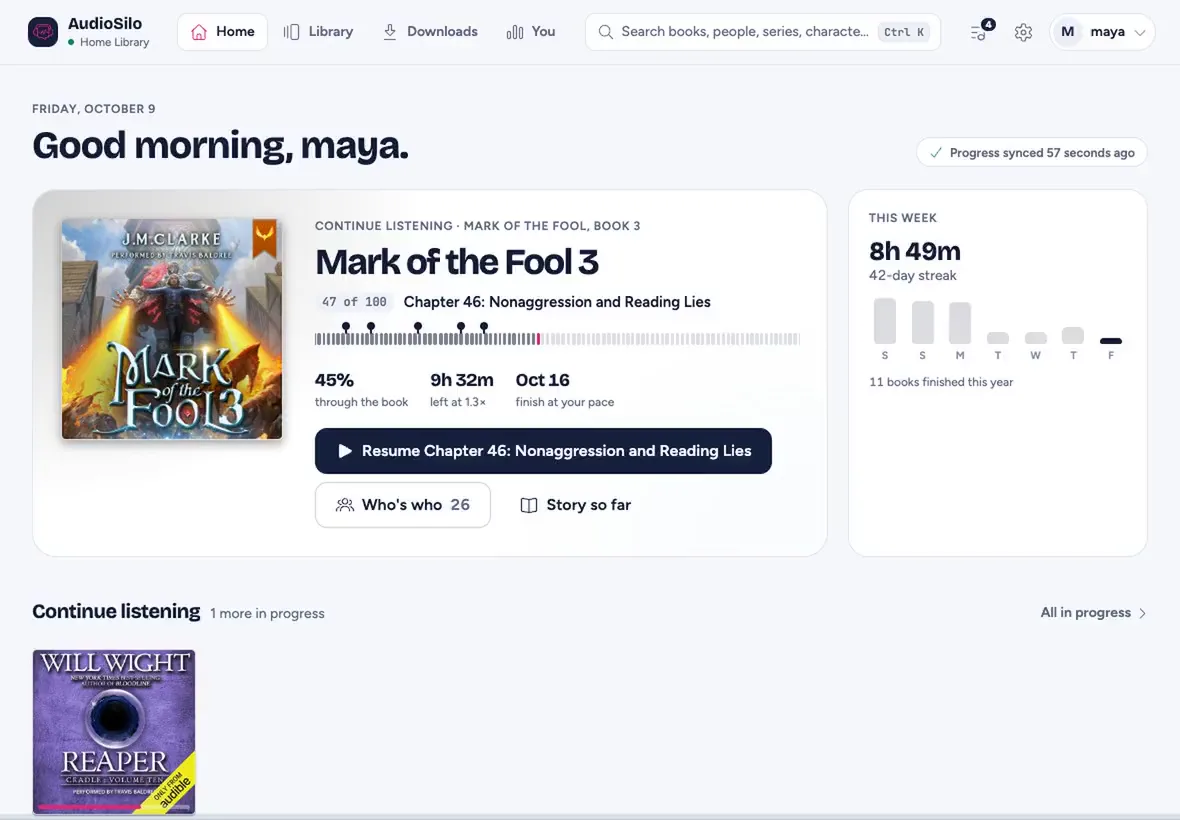
Watch a tour at the size you listen
Now showing
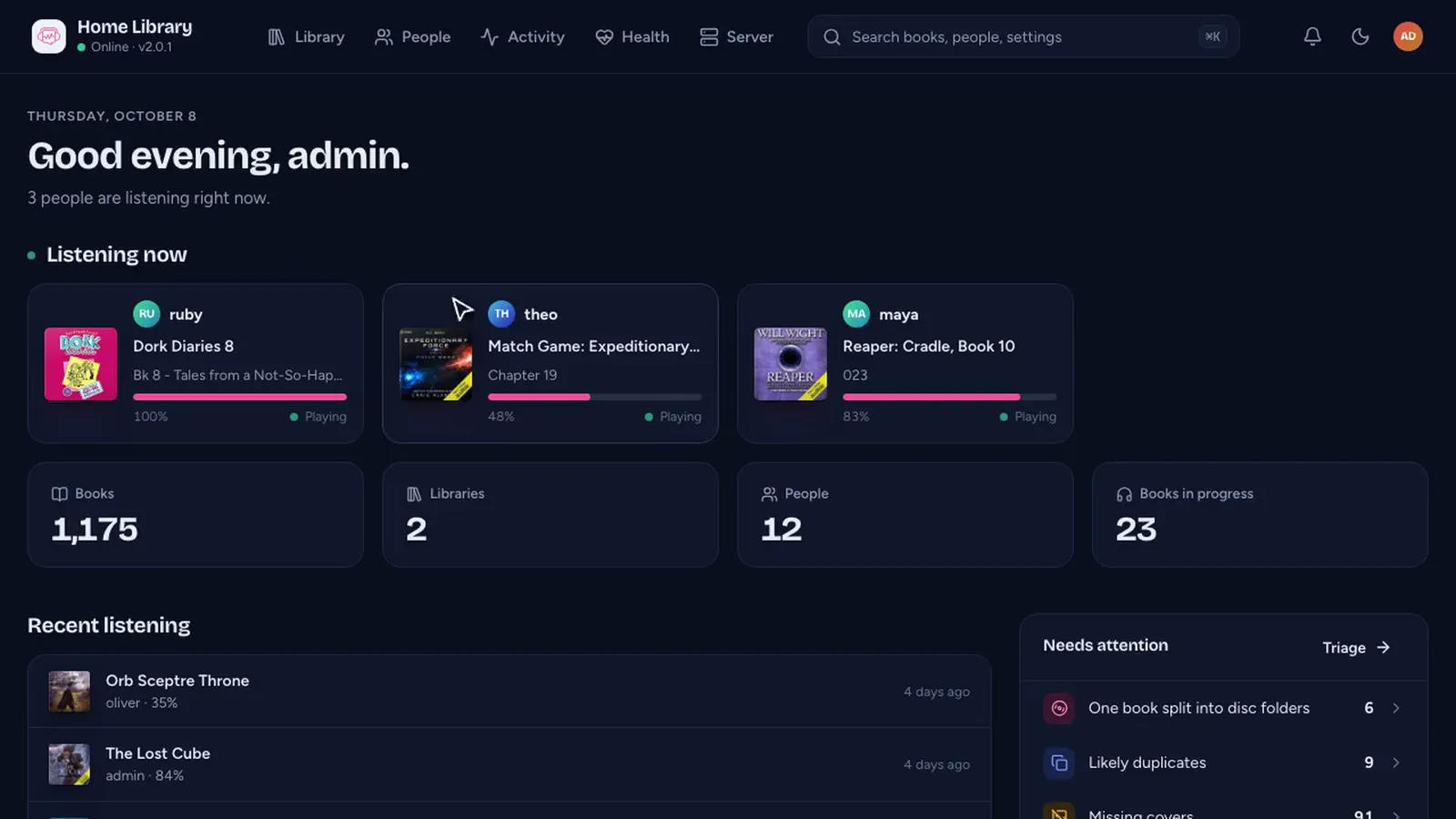
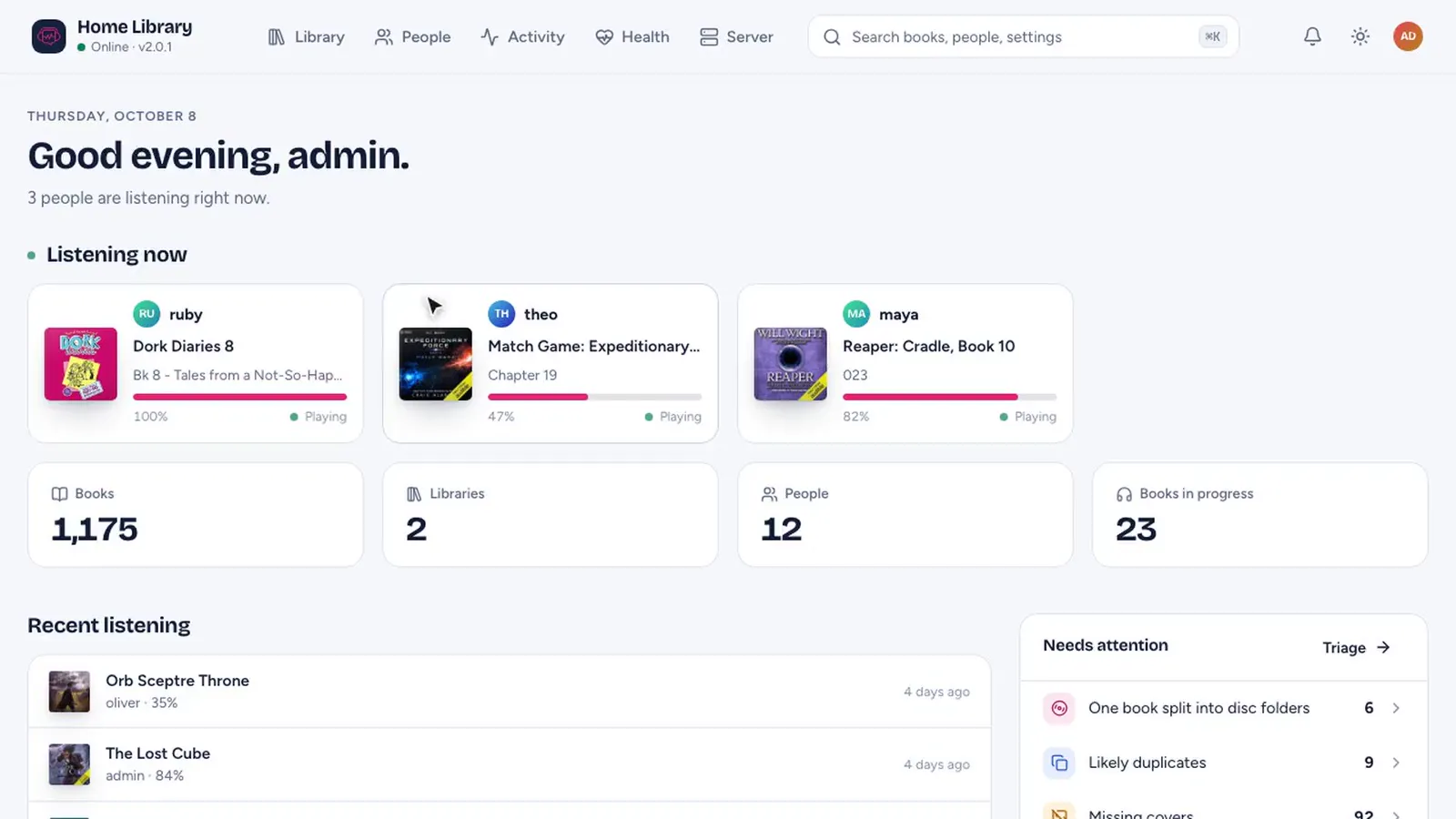
Match messy tags against community metadata, see who is listening right now, fix what needs attention. The console isn't part of the public demo, so here it is on a real household server.
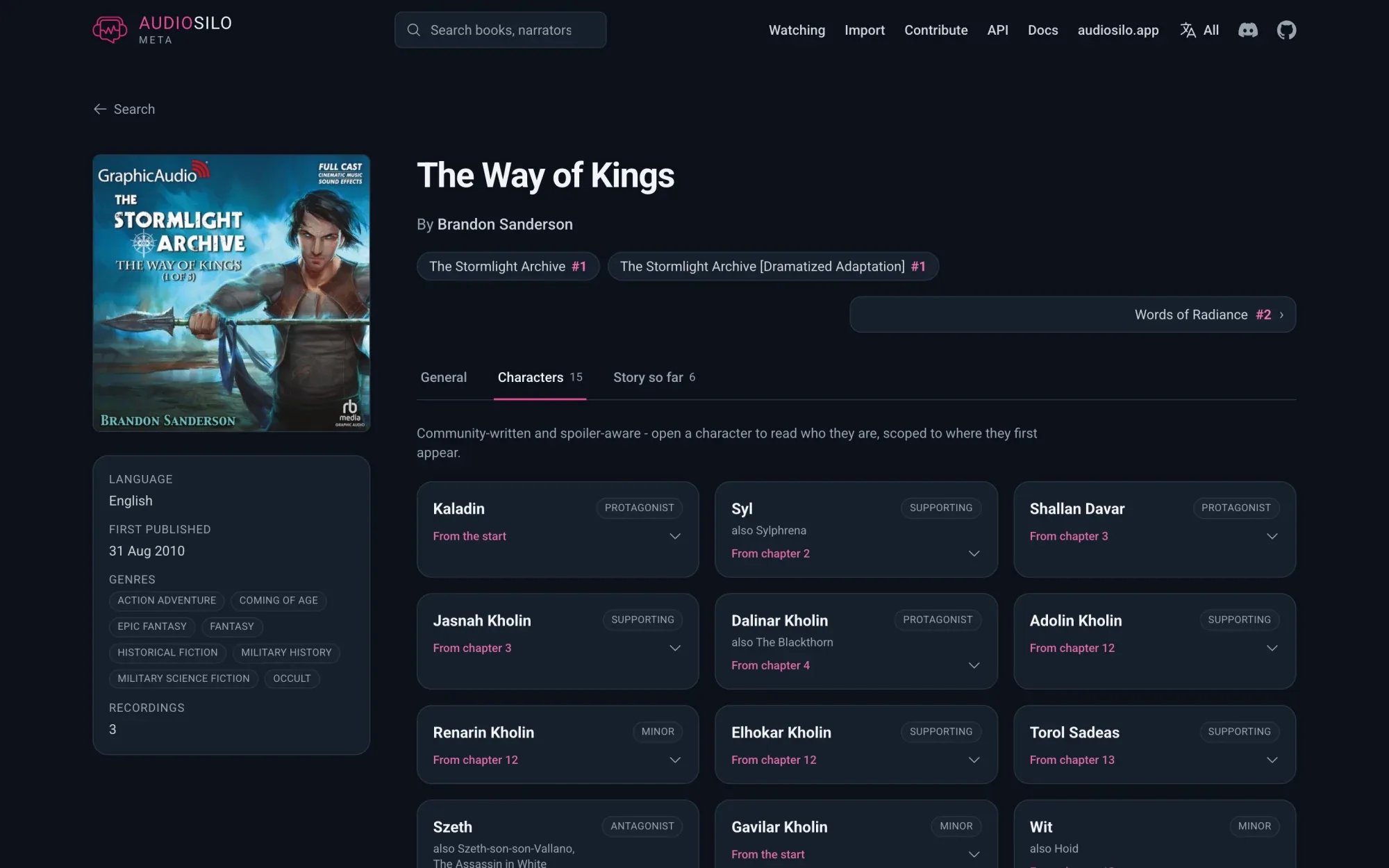
meta.audiosilo.app, as of October 2026
An open audiobook database built by listeners. Narrators, recordings and chapters are first-class, so your server can tell one reading of a book from another.
282,383
works
297,244
recordings
124,083
narrators and authors
9,094,856
chapters
Characters and chapter-by-chapter recaps, written by listeners and hidden until you reach them, cover a growing number of books: 3,148 so far.
The demo
The demo is a real AudioSilo server. Press play and a throwaway account is made for you on the spot, signed in, with 29 public-domain classics on the shelf: Oz, Sherlock Holmes and Anne of Green Gables among them, with the community's characters and recaps.
A Christmas Carol
Charles Dickens
Tonight in the demo · 1 of 29 books
Charles Dickens · 3.5 h · read by Bob Neufeld for LibriVox
Press play to open the demo. No sign-up, nothing to install. It opens the real web player.
On the shelf
29 public-domain LibriVox classics, about 185 hours, in series and on their own. Dashed spines are the books the demo doesn't have.
A Christmas Carol
Charles Dickens
The Call of the Wild
Jack London
Alice in Wonderland
Lewis Carroll
The Art of War
Sun Tzu
Not in the demo: the admin console, which the server tour shows. Your demo account is thrown away after a day or so idle.
No paid tier, no feature behind a payment, no account with us, no ads. If your server earns its keep, you can sponsor the project. That's a thank-you, nothing more.
How AudioSilo is paid forGet started
One container, your books mounted read-only. The image includes the web player and ffmpeg.
docker run -d --name audiosilo -p 8080:8080 \
  -v "$PWD/data:/data" \
  -v /srv/audiobooks:/library:ro \
  ghcr.io/kodestar/audiosilo-server:latest

docker logs audiosilo   # the admin password and auth code, shown once
Then open https://your-server:8080/admin, sign in as admin and add /library as your first library. The browser warns about the self-signed certificate the first time; that's expected.