The server ·
Your audiobooks, served from home.
One Docker container or a single binary. Point it at your books folder and it indexes, streams and keeps everyone's place, and it never writes to your files. Open source under AGPLv3.
Install
One command, or one file.
The Docker image bundles the server, the web player and ffmpeg, for amd64 and arm64. Mount your books read-only: the server never needs to write to them.
Prefer no Docker? Native builds for Linux, macOS and Windows embed the web player and fetch ffmpeg on first use. Linux also gets .deb and .rpm packages with a systemd unit.
services:
  audiosilo:
    image: ghcr.io/kodestar/audiosilo-server:latest
    restart: unless-stopped
    ports:
      - "8080:8080"
    volumes:
      - ./data:/data                  # database, config, certificates
      - /srv/audiobooks:/library:ro   # your books, mounted read-only
    environment:
      PUID: "1000"                    # owner of /data (Unraid: 99)
      PGID: "1000"                    # group of /data (Unraid: 100)
      # AUDIOSILO_PUBLIC_URL: "https://books.example.com"  # used in QR/invite links
      # AUDIOSILO_TLS_MODE: "off"     # only behind a TLS-terminating reverse proxy
AUDIOSILO_WEB_DIR: /app/webdocker compose up -d
docker compose logs # the admin password and auth code, shown once========================================================
AudioSilo first-run setup - store these now, shown once
========================================================
Admin username : admin
Admin password : <generated password>
Auth code : <generated code>
Config file : /data/config.yamlFirst run
No default password. Ever.
On its very first start the server makes an admin account and prints a random password and an auth code, once. Only their hashes are kept, so they can't be shown again.
Or start it with --setup to choose the admin password in the browser; its one-time link switches off the moment an admin exists. Then add your books folder in the console and the scanner indexes it: details, covers and lengths.
Filesystem first
Your files are the truth.
The database is an index you could rebuild. Progress, bookmarks and shares follow the path, and a fingerprint follows a book when you rename or move it, so listening history goes with it.
- Edits are overrides kept by the server; a rescan keeps them and Revert brings back what the scan found
- Folder shapes detected for you, disc folders joined into one book, ignore rules per library
- Book details from tags first, or from folder names first, per library
- Indexes .m4b .m4a .mp4 .mp3 .flac .ogg .opus; the web player gets an MP3 version of anything a browser can't play
- Scheduled scans, and a scan never empties your library if a network share drops
People
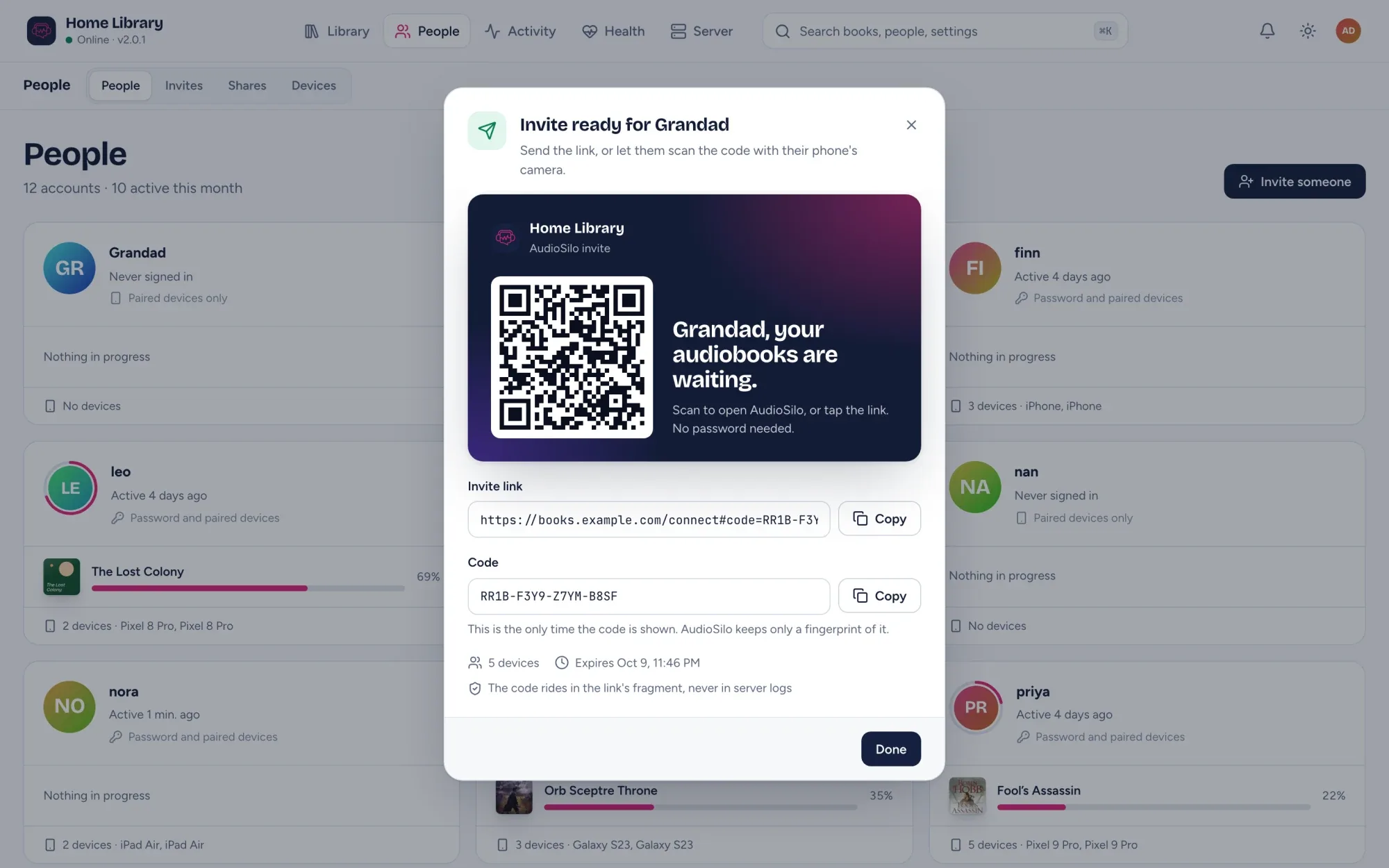
Invite the house with a QR code.
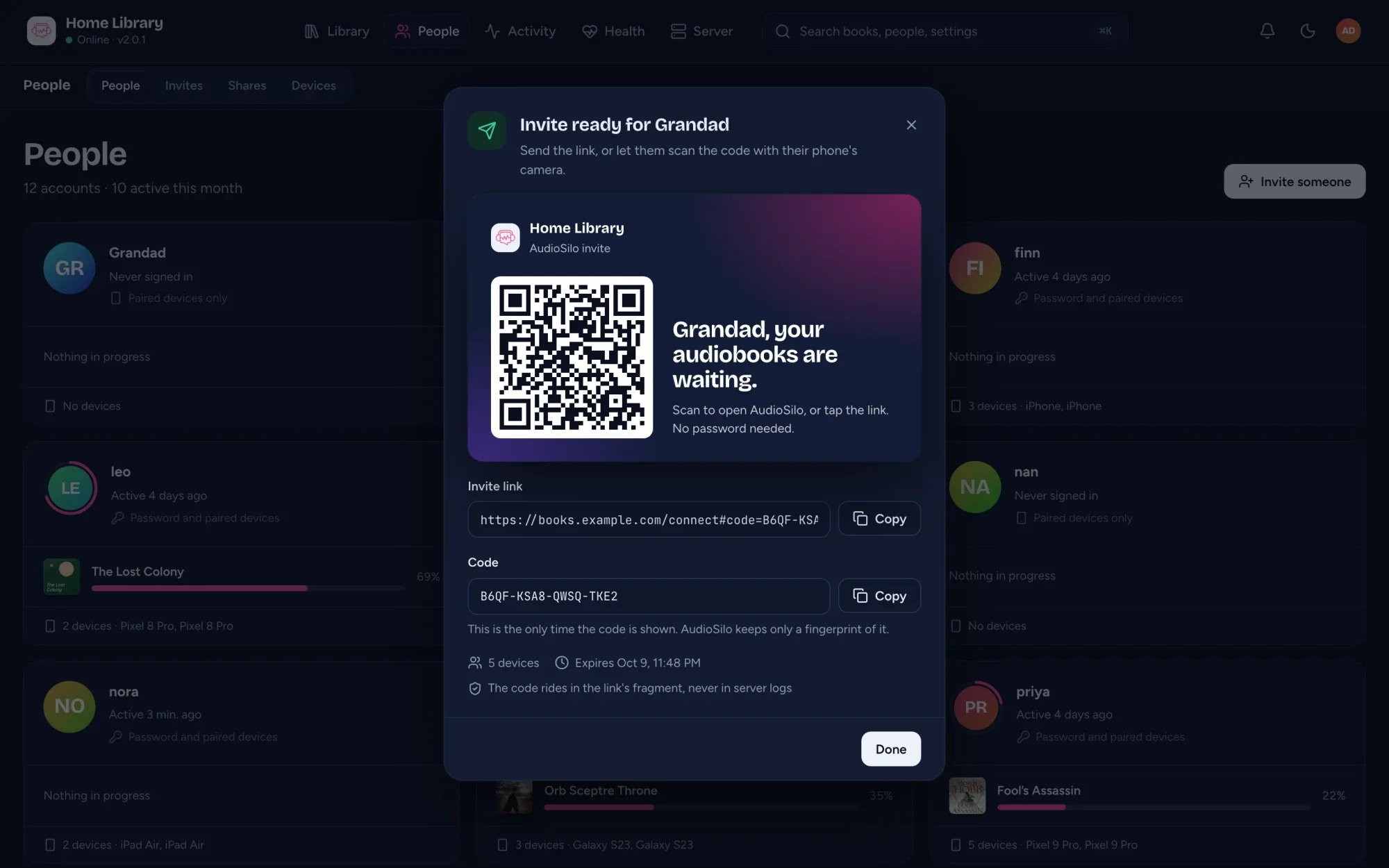
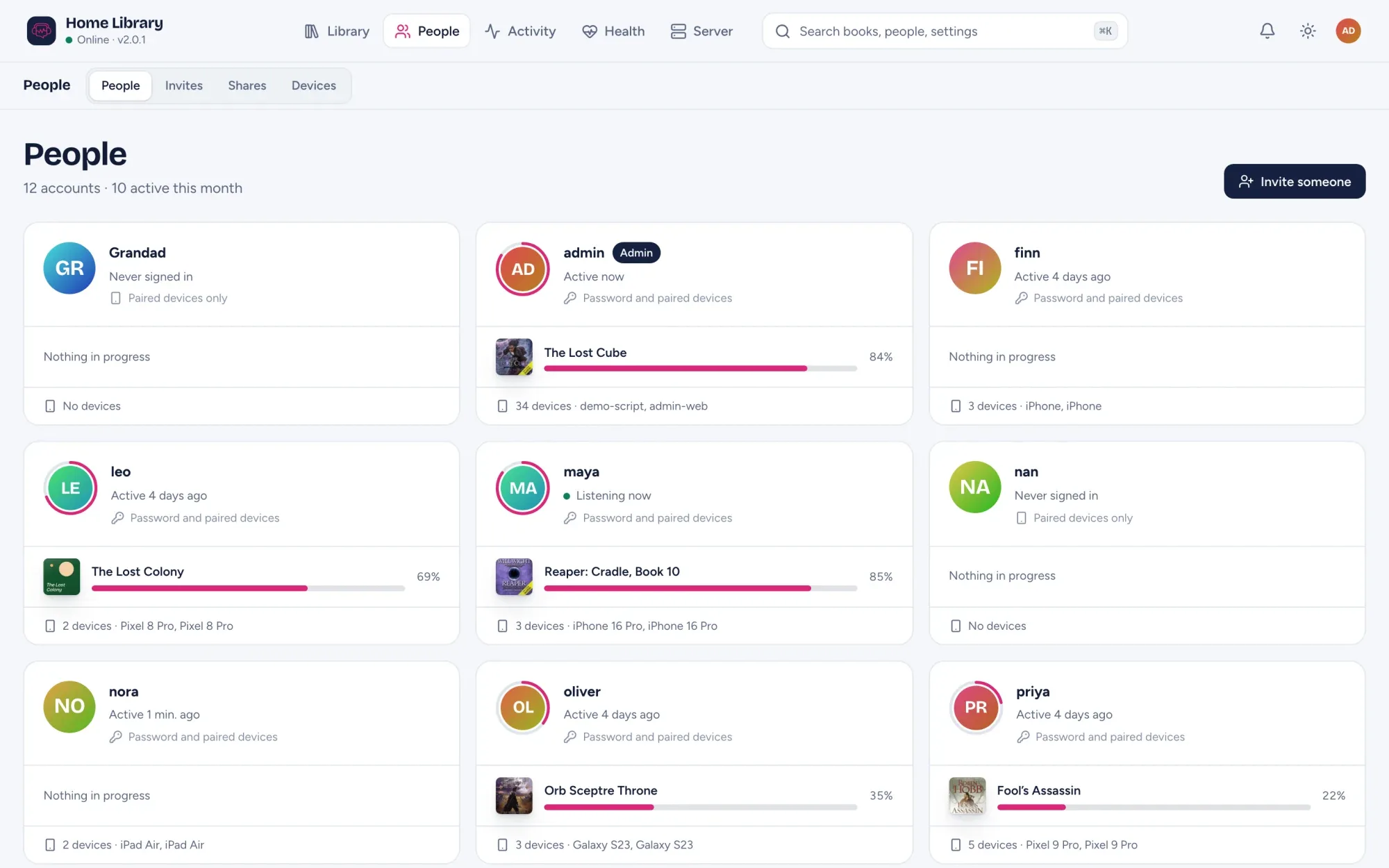
One dialog makes the account, grants what they can open and shows an invite link and QR code. Scan it and the app or the web player opens, signed in. No email, no password needed.
- Shares are named sets of folders: the whole library, an author, a series or one book
- Someone new sees nothing until you share it; search and playback follow the same rules
- Everyone keeps their own progress, bookmarks and notes
- See every device and sign out the one that went missing
- Personal API keys for dashboards and home automation tiles
Security defaults
Built to be left on the internet.
That's the design goal, not an audit. Here is what it means in practice.
- Passwords
- Hashed with argon2id. There is never a default password.
- Tokens
- Random 256-bit, stored only as SHA-256 hashes, revocable per device.
- Lockout
- 10 failed sign-ins in 15 minutes locks out that address. Requests are rate limited too.
- TLS
- Self-signed out of the box, automatic Let's Encrypt, or off behind your own proxy.
- Secrets
- Pairing codes ride in the URL fragment, so they never reach a server log.
- Outbound
- An update check once a day and community metadata lookups. Each has one switch.
The admin console
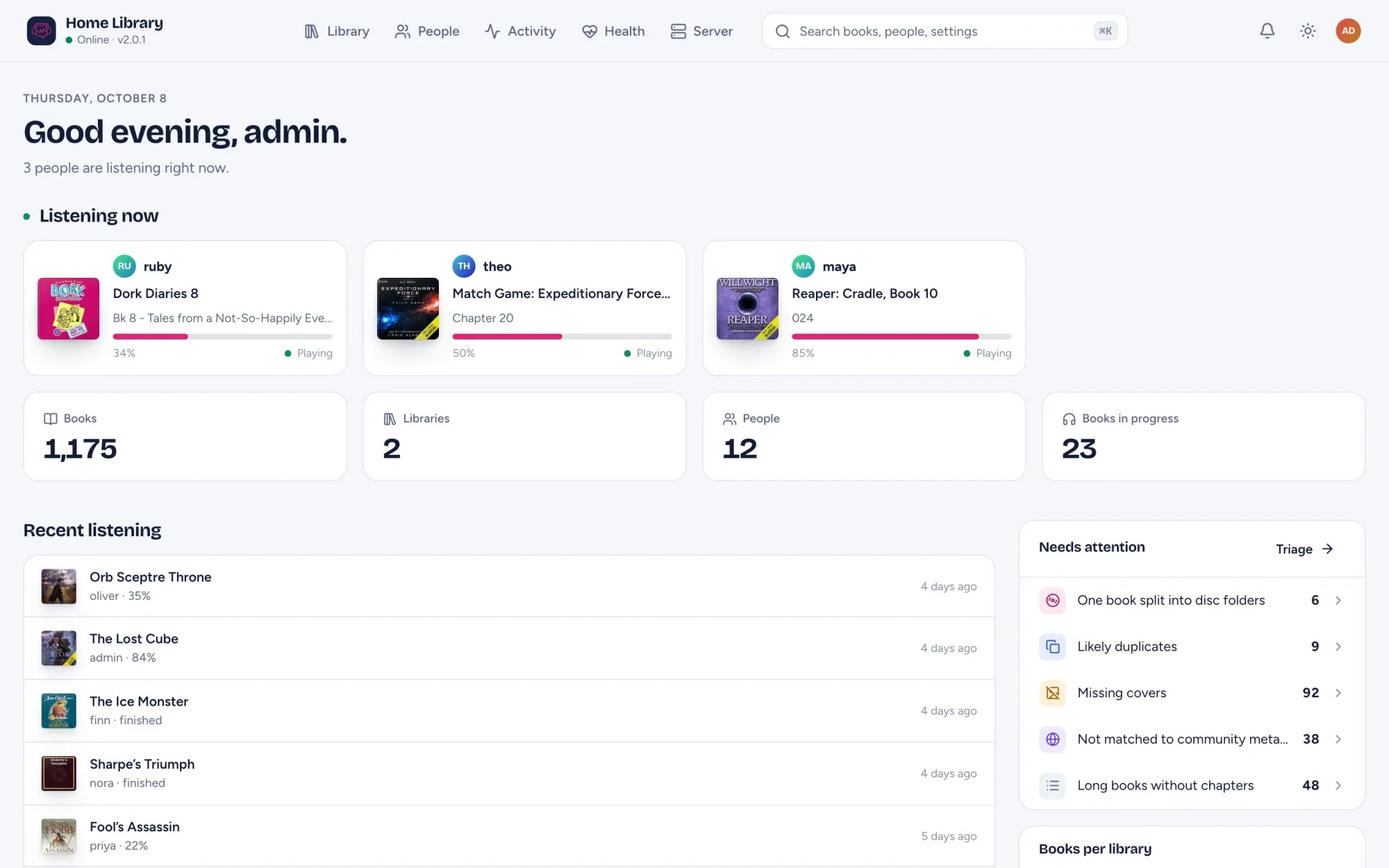
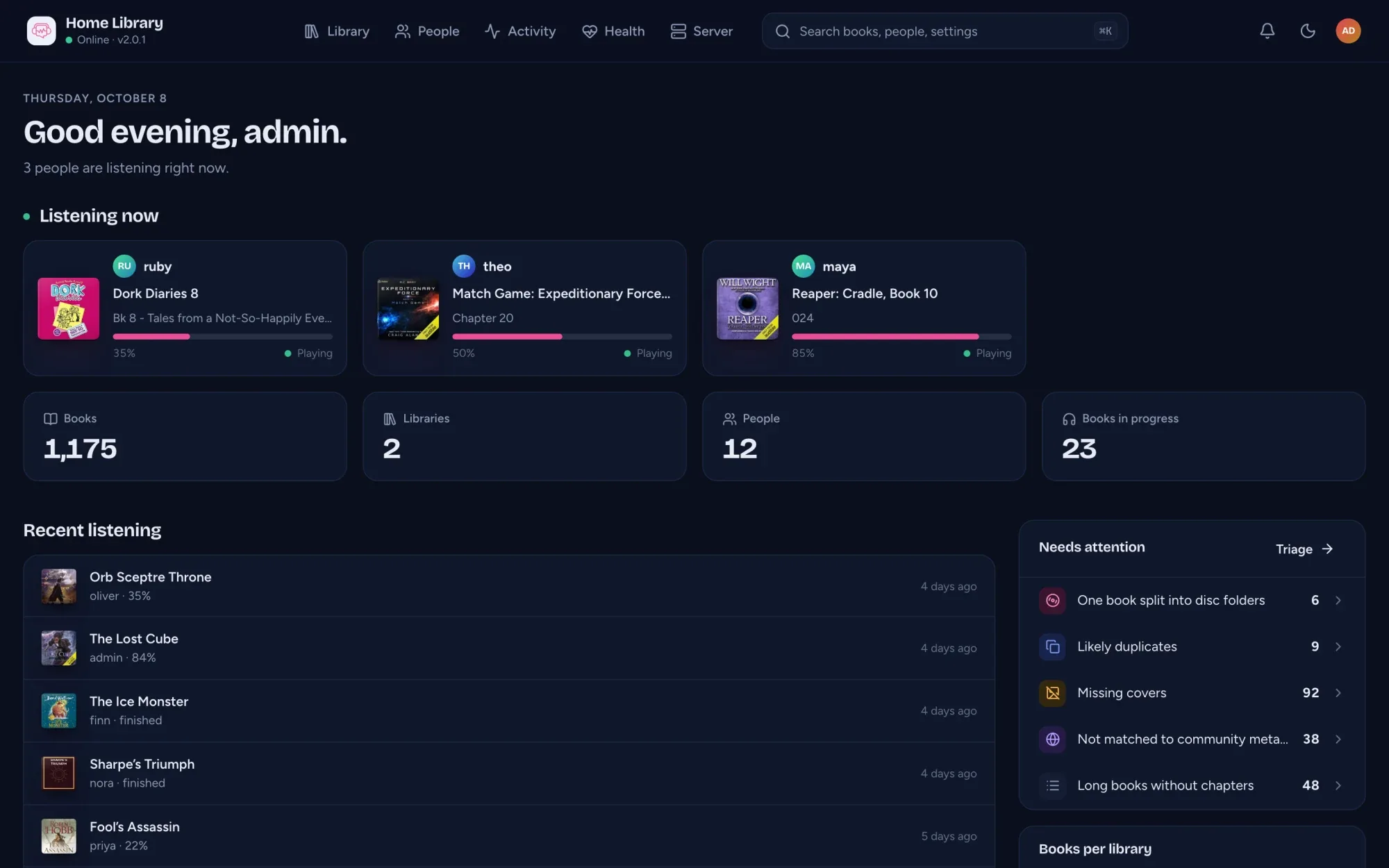
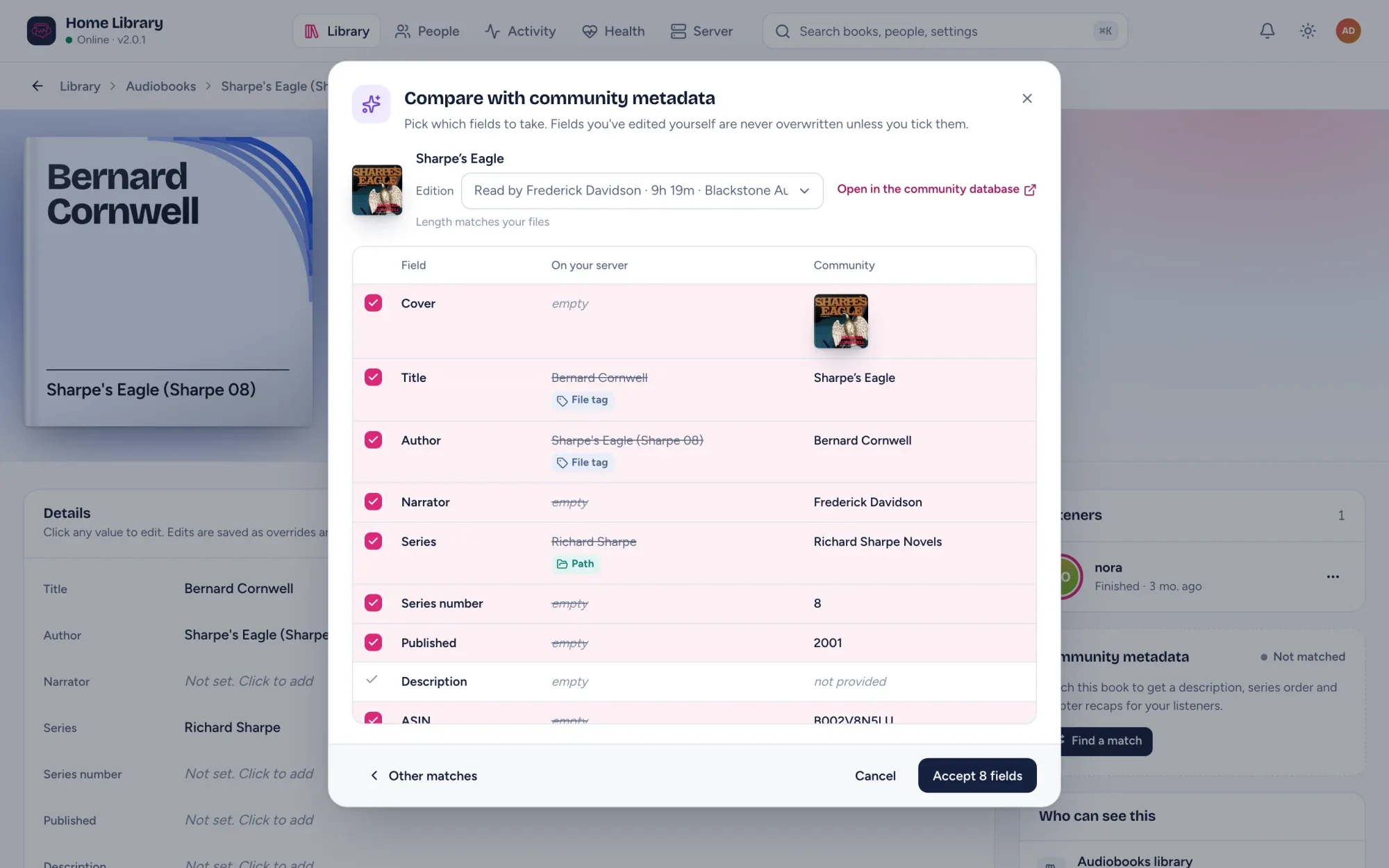
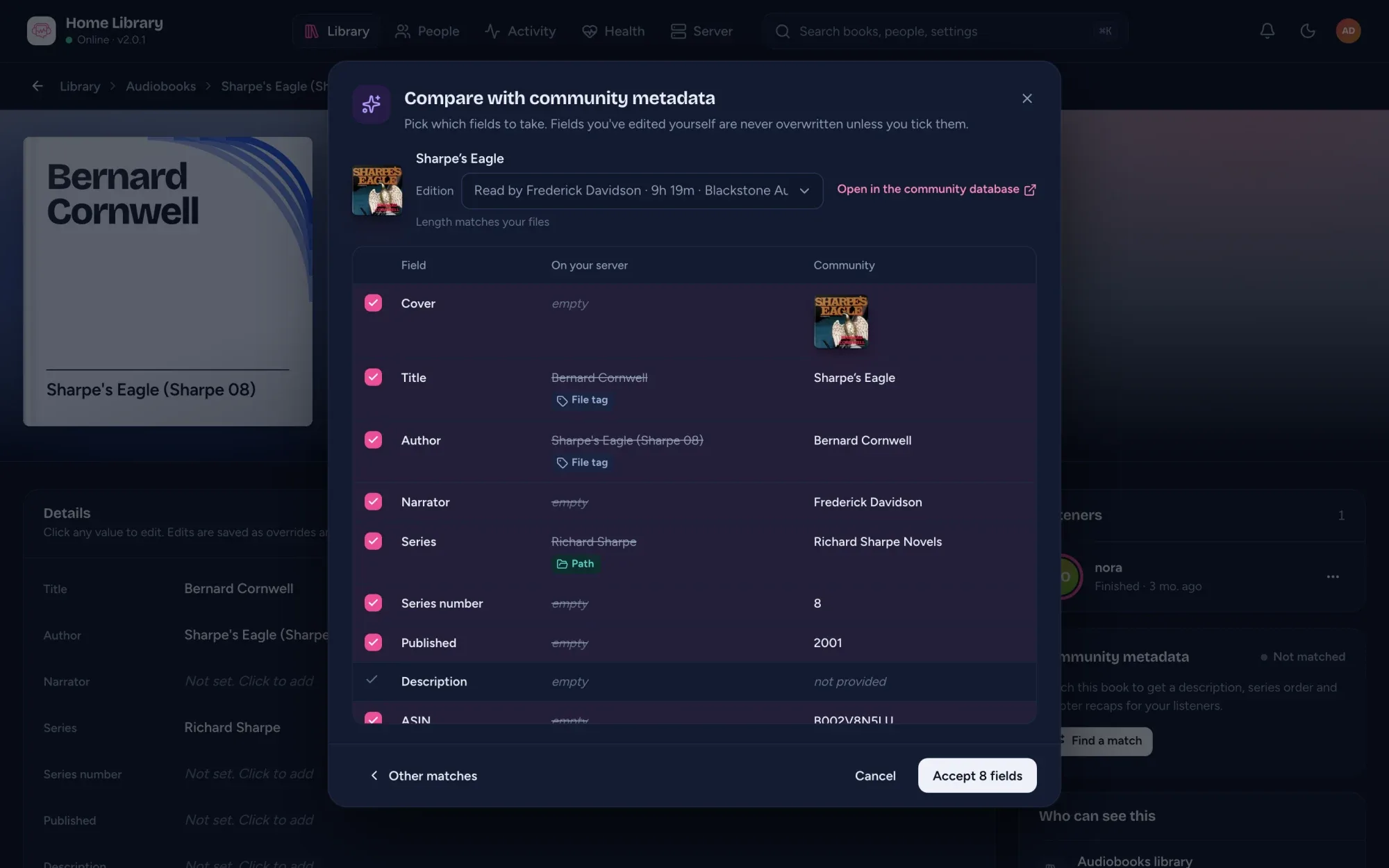
Everything about your library, in one place.
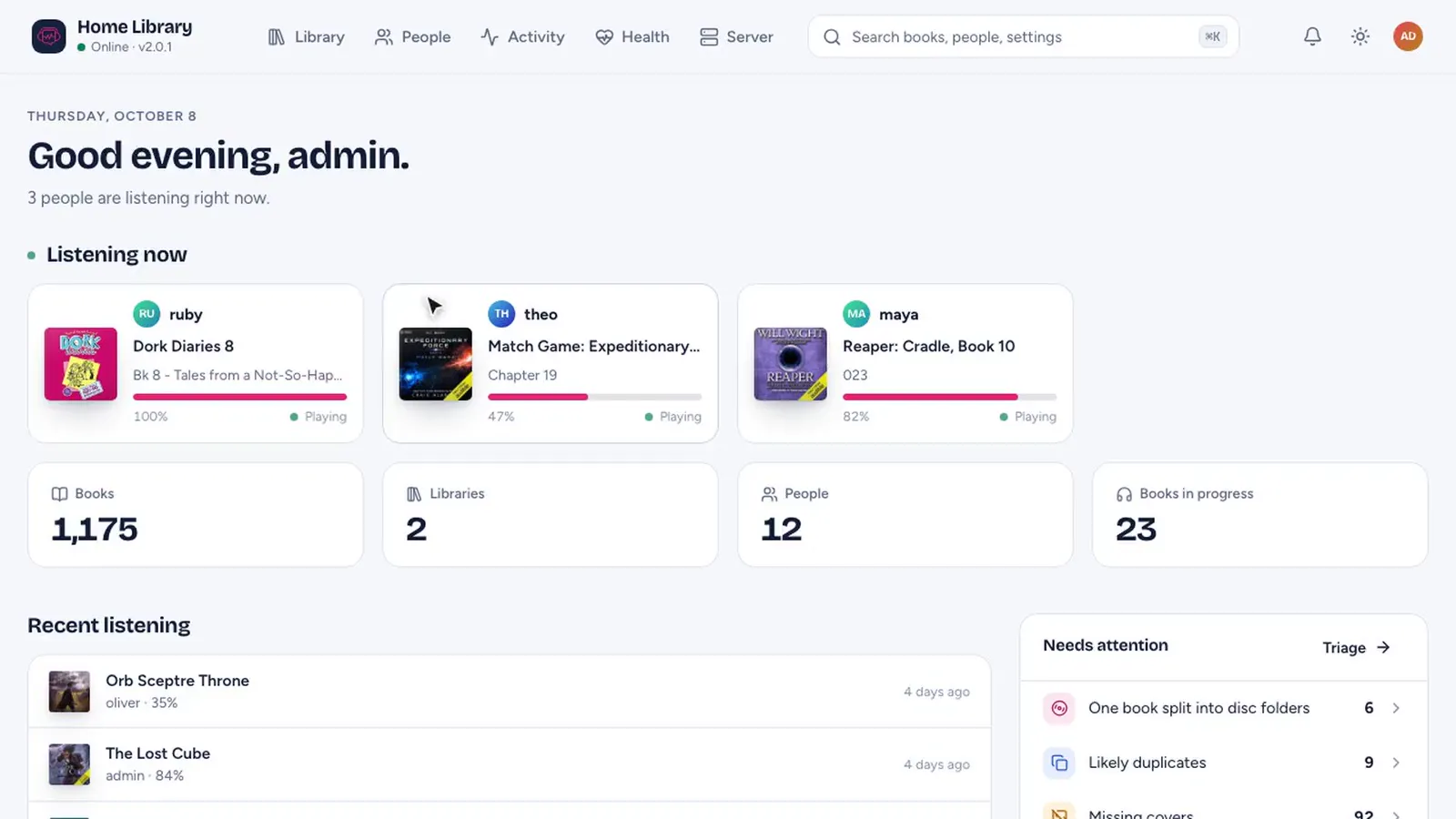
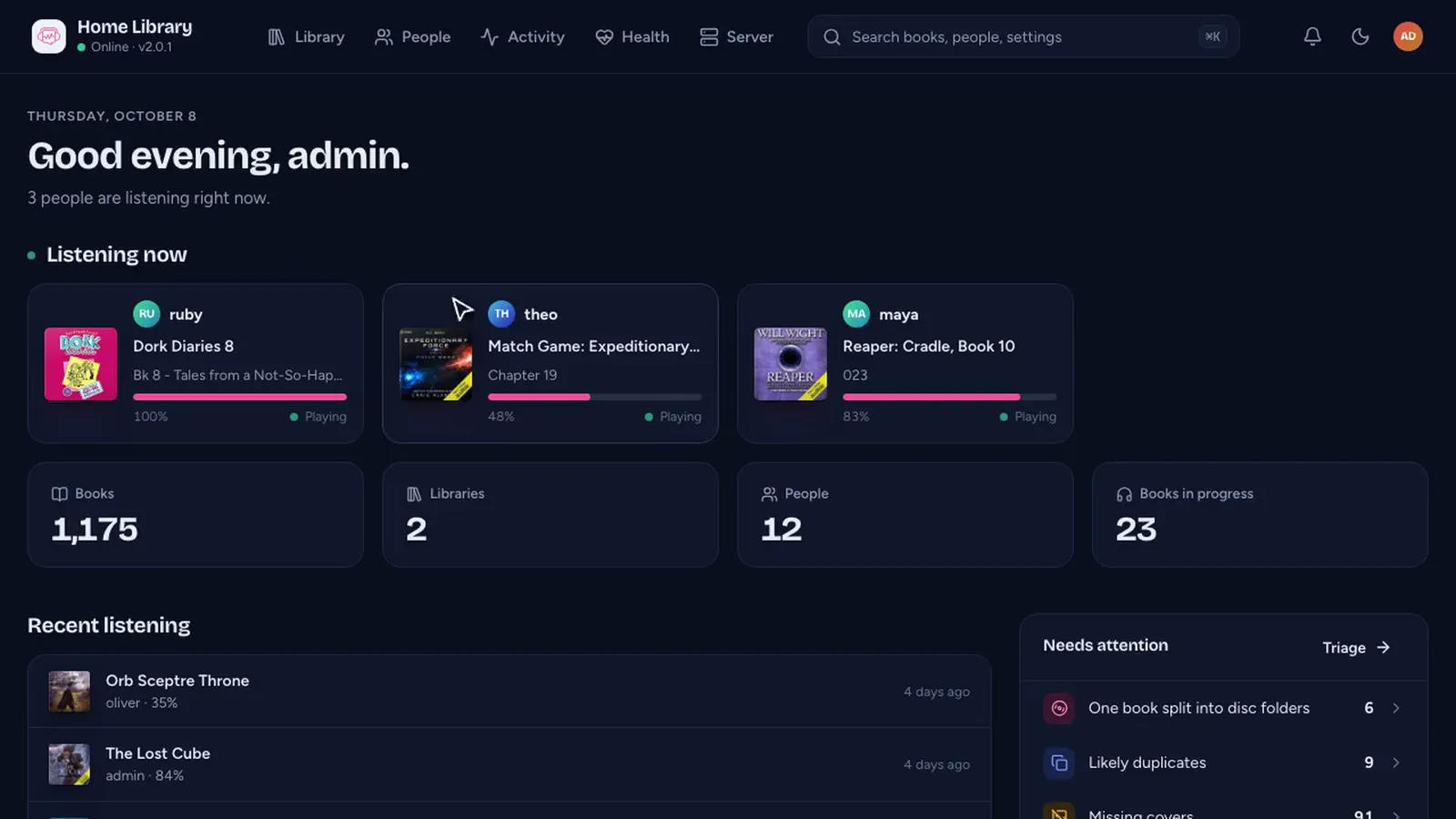
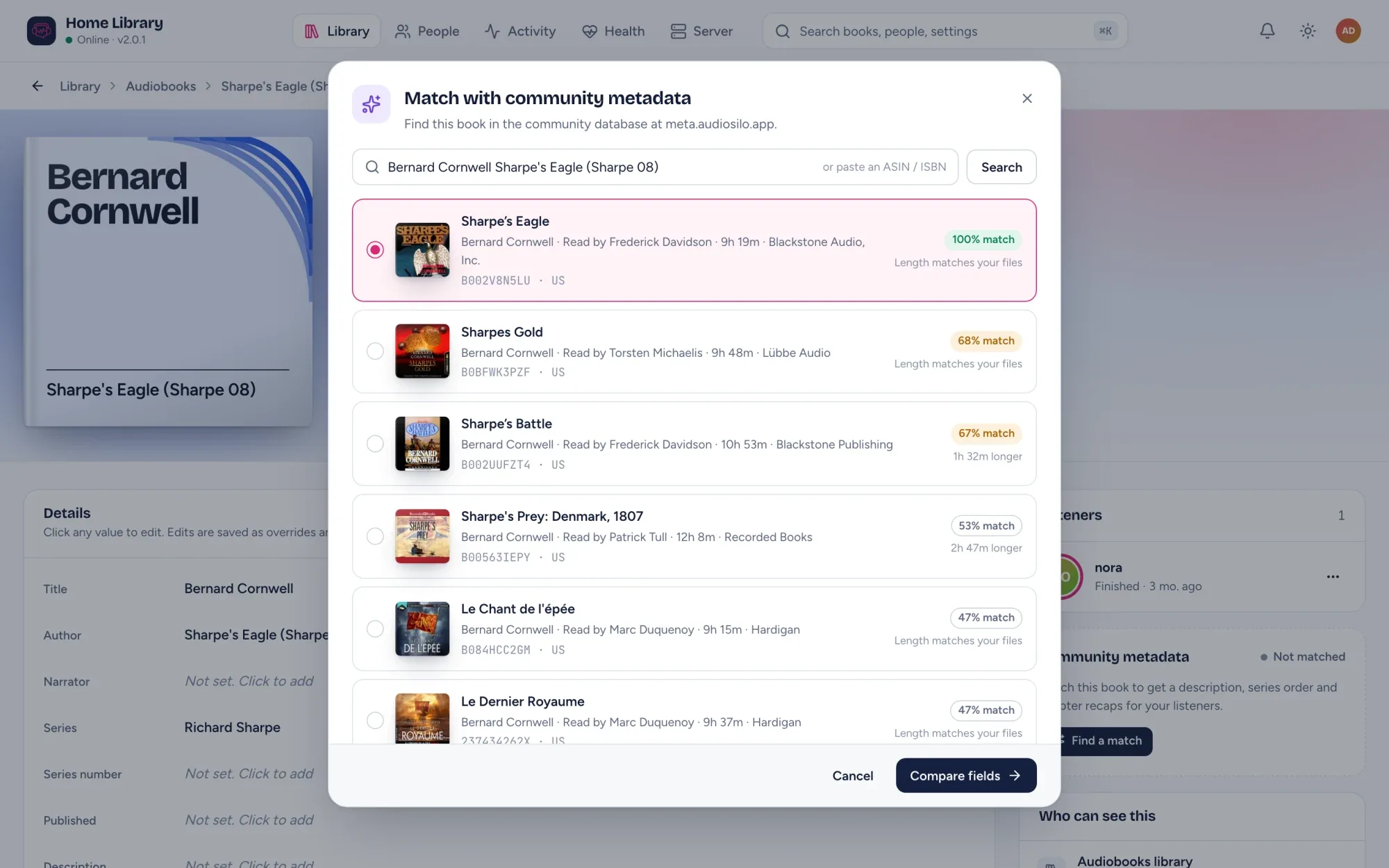
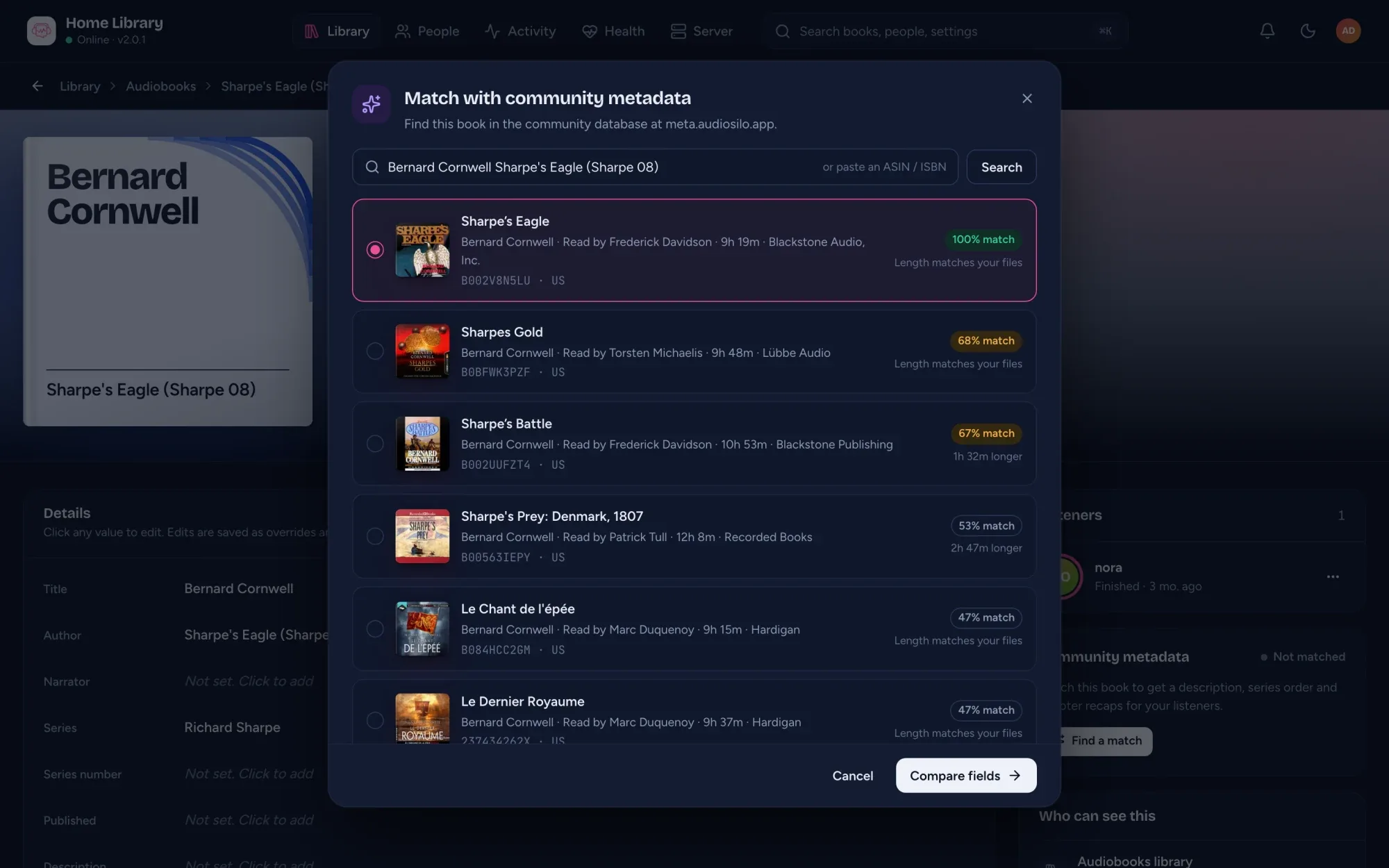
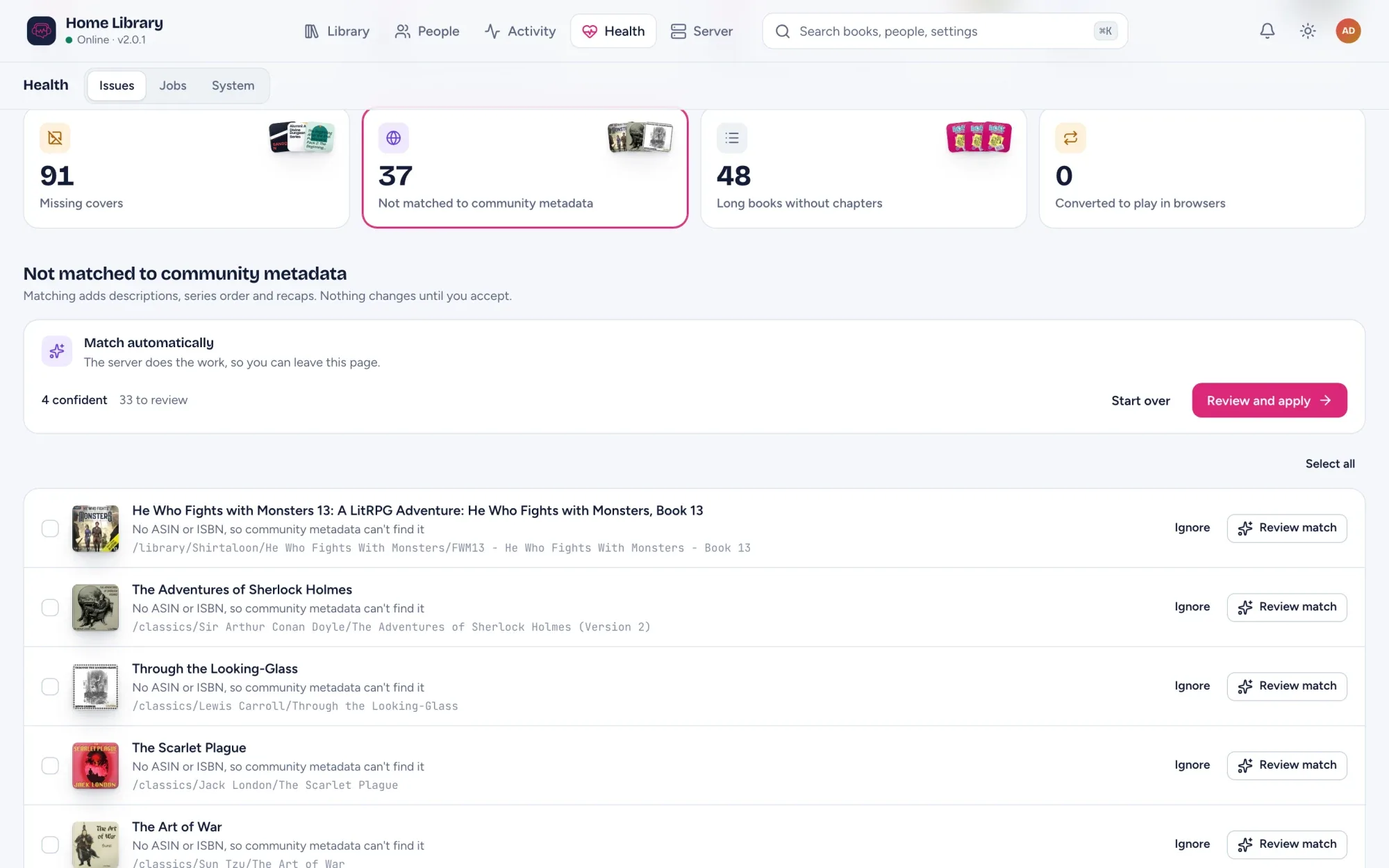
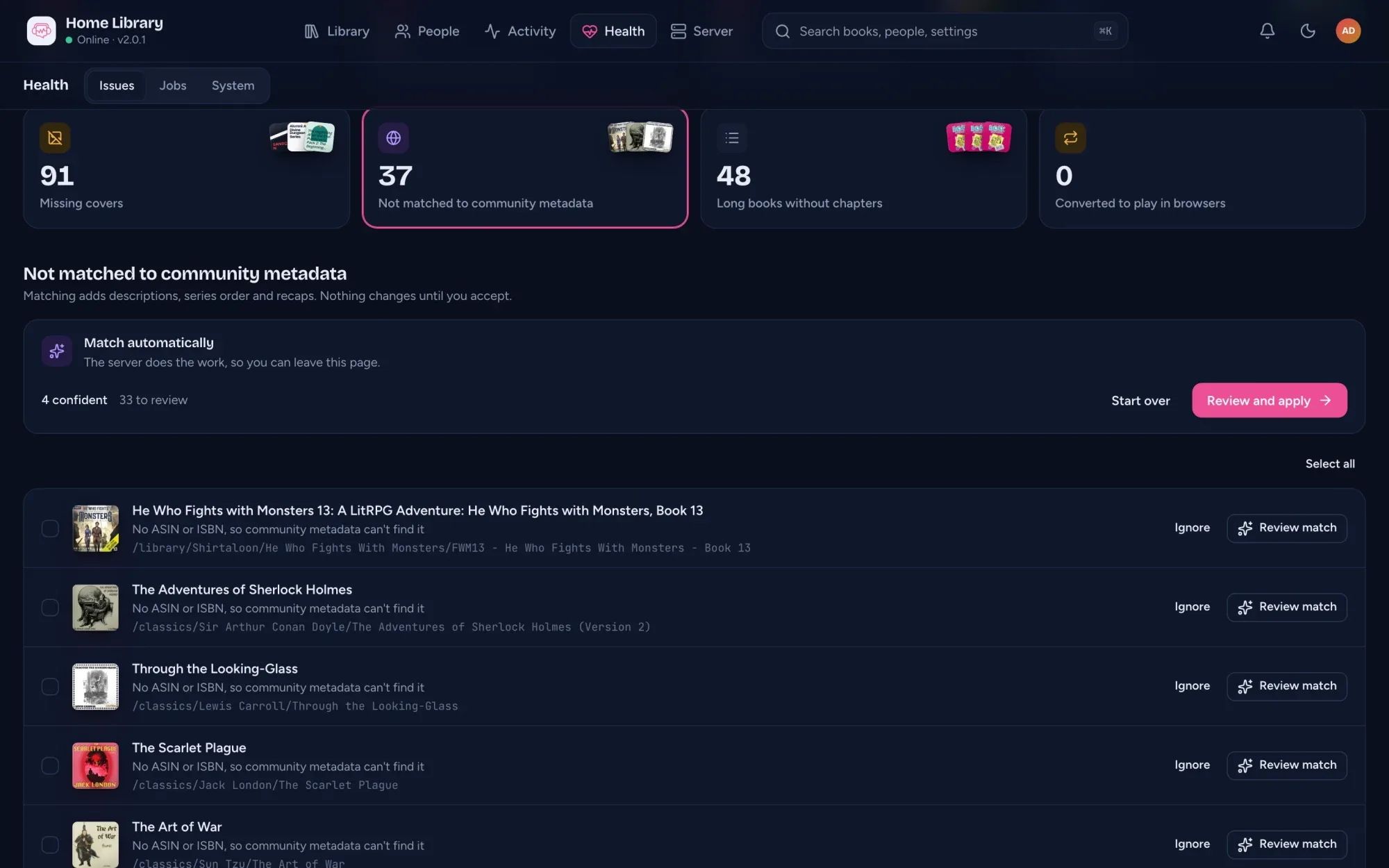
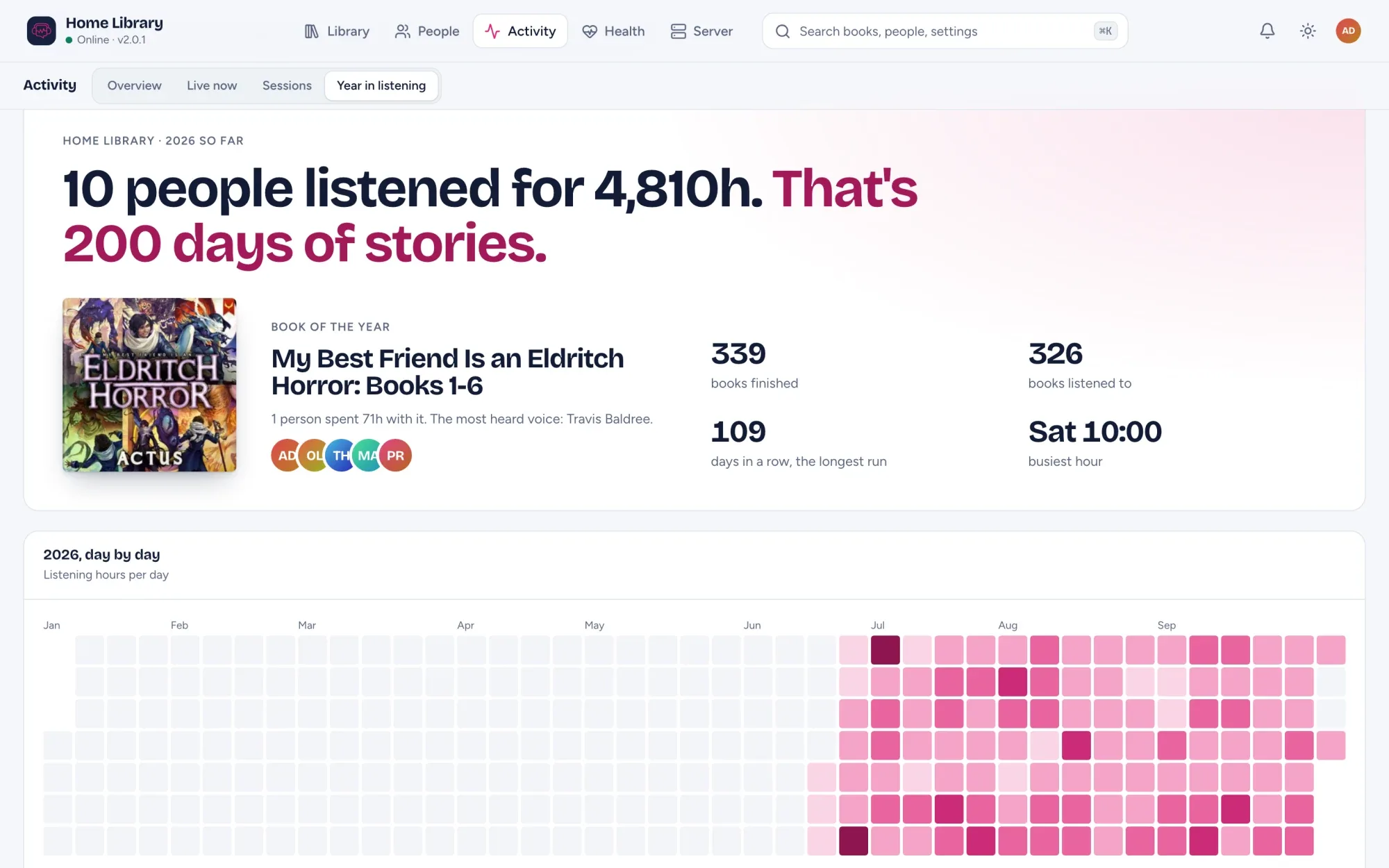
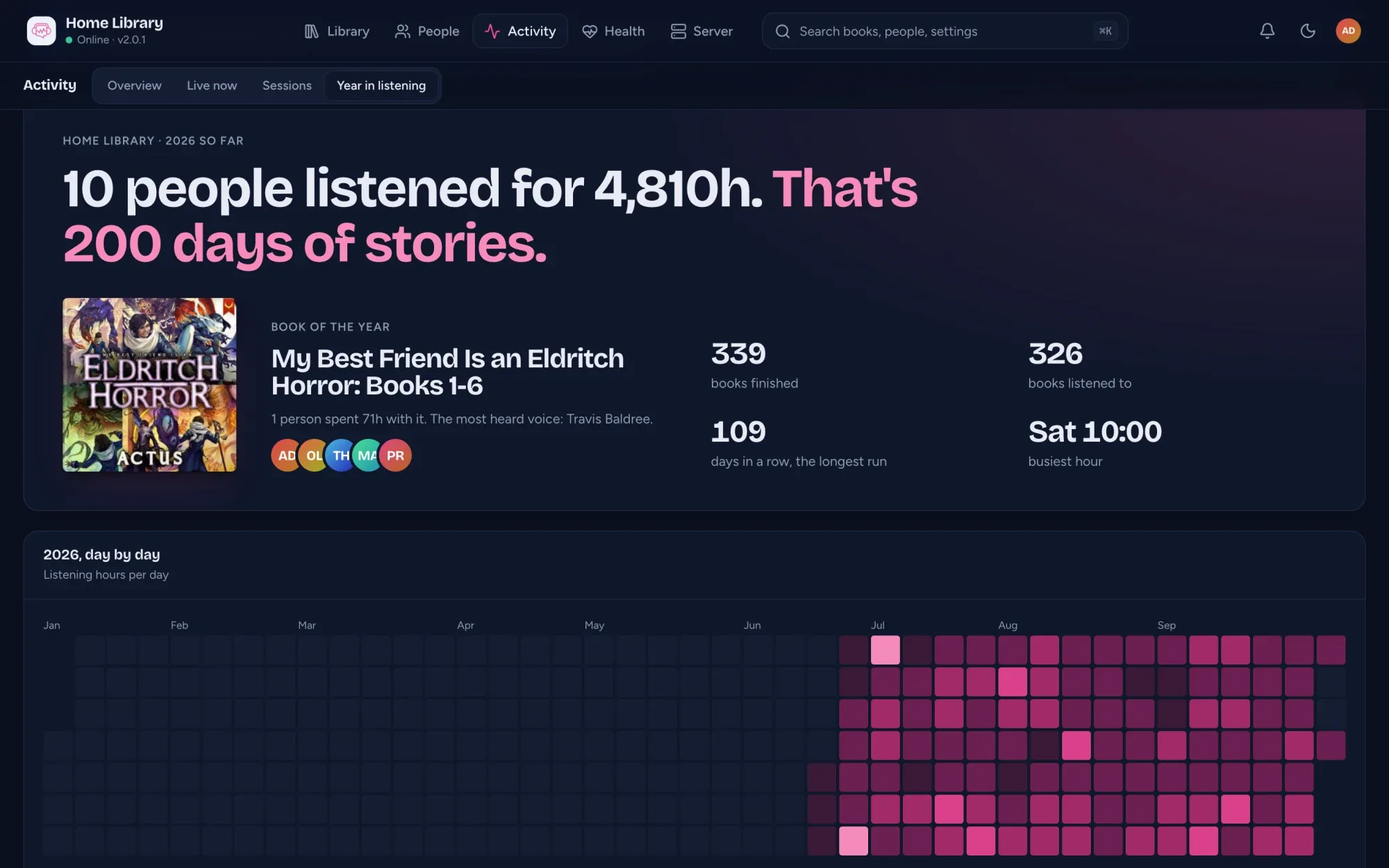
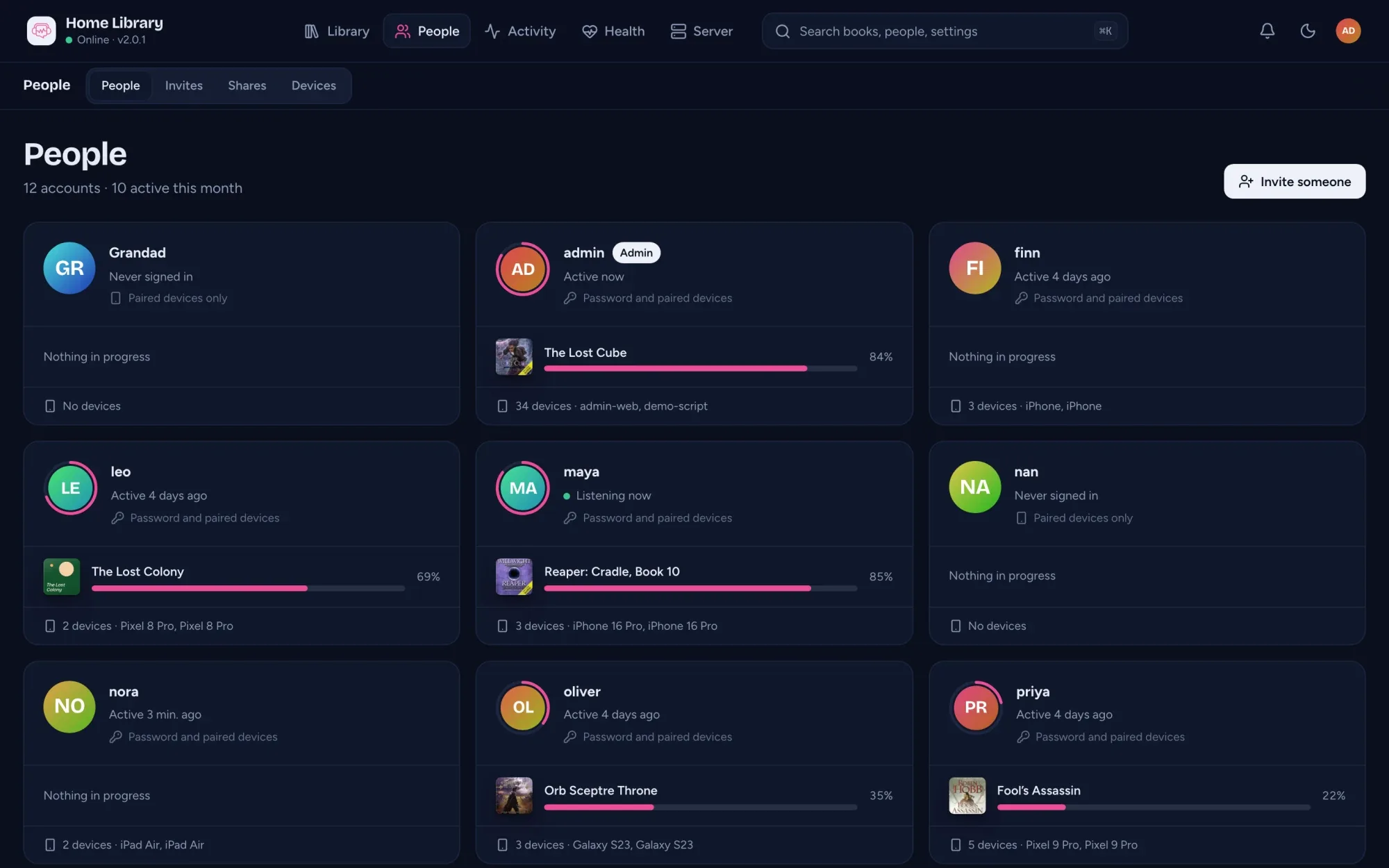
At /admin on your server, in light or dark and six languages. It isn't in the public demo, so the tour is the way to see it move.
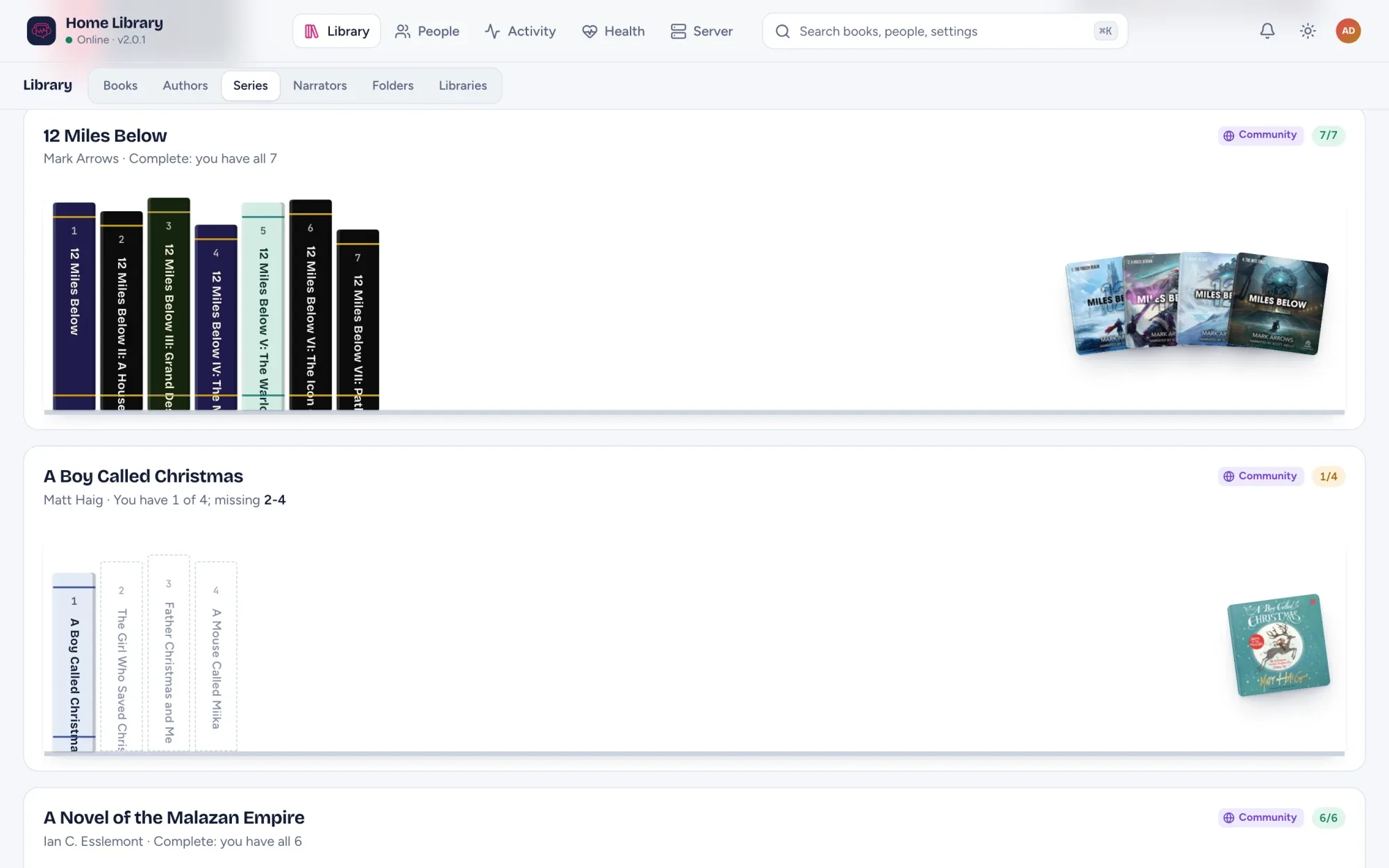
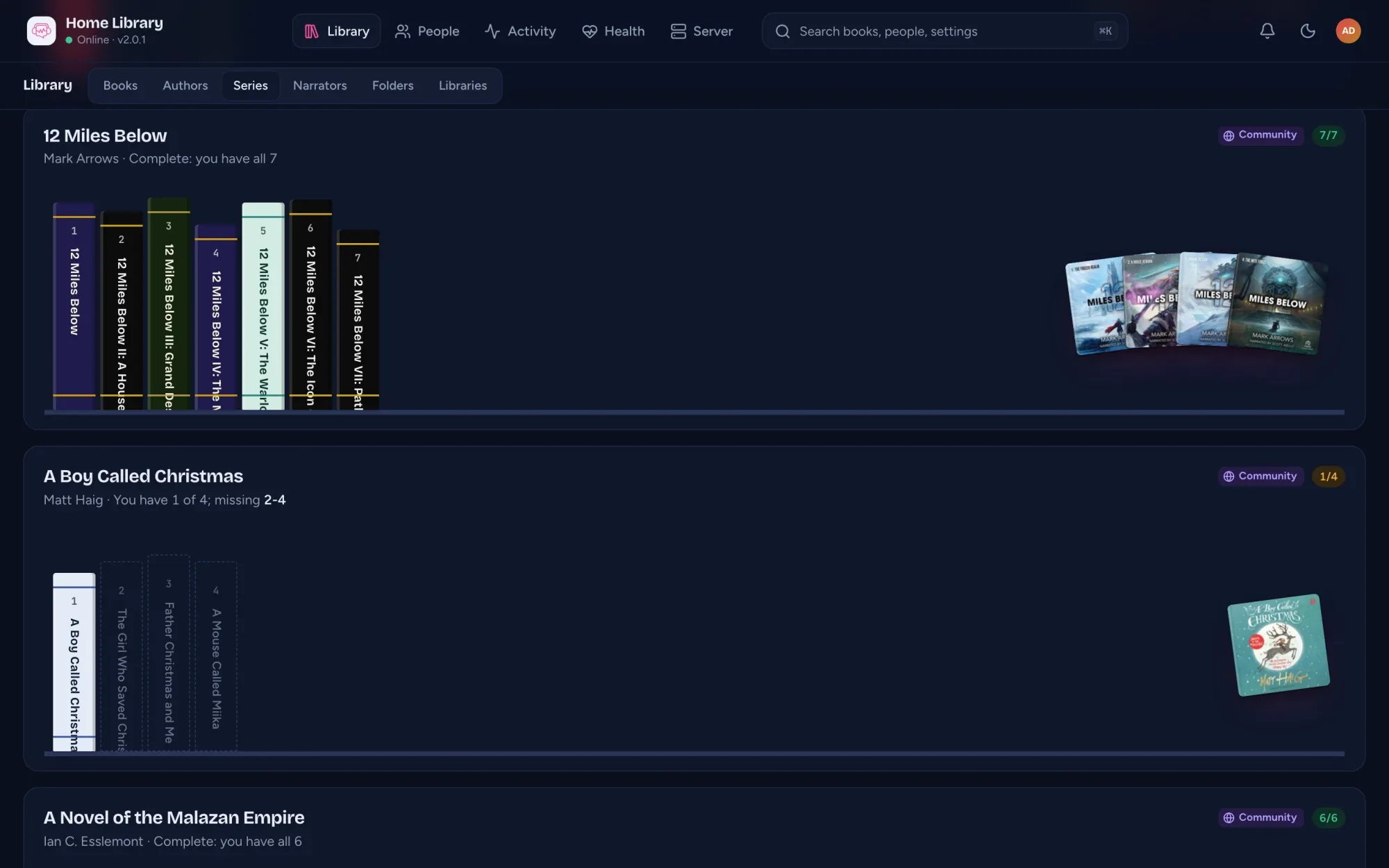
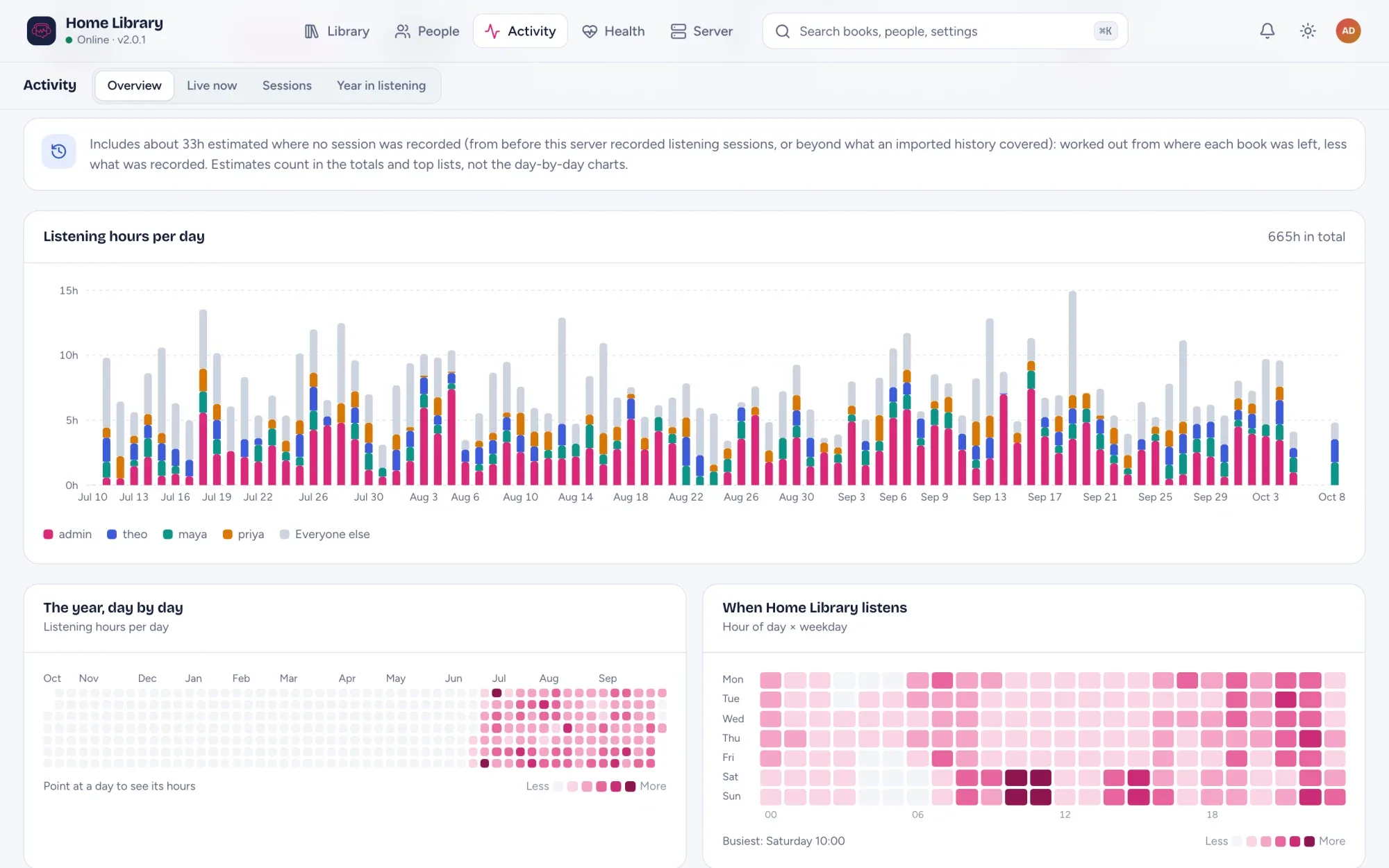
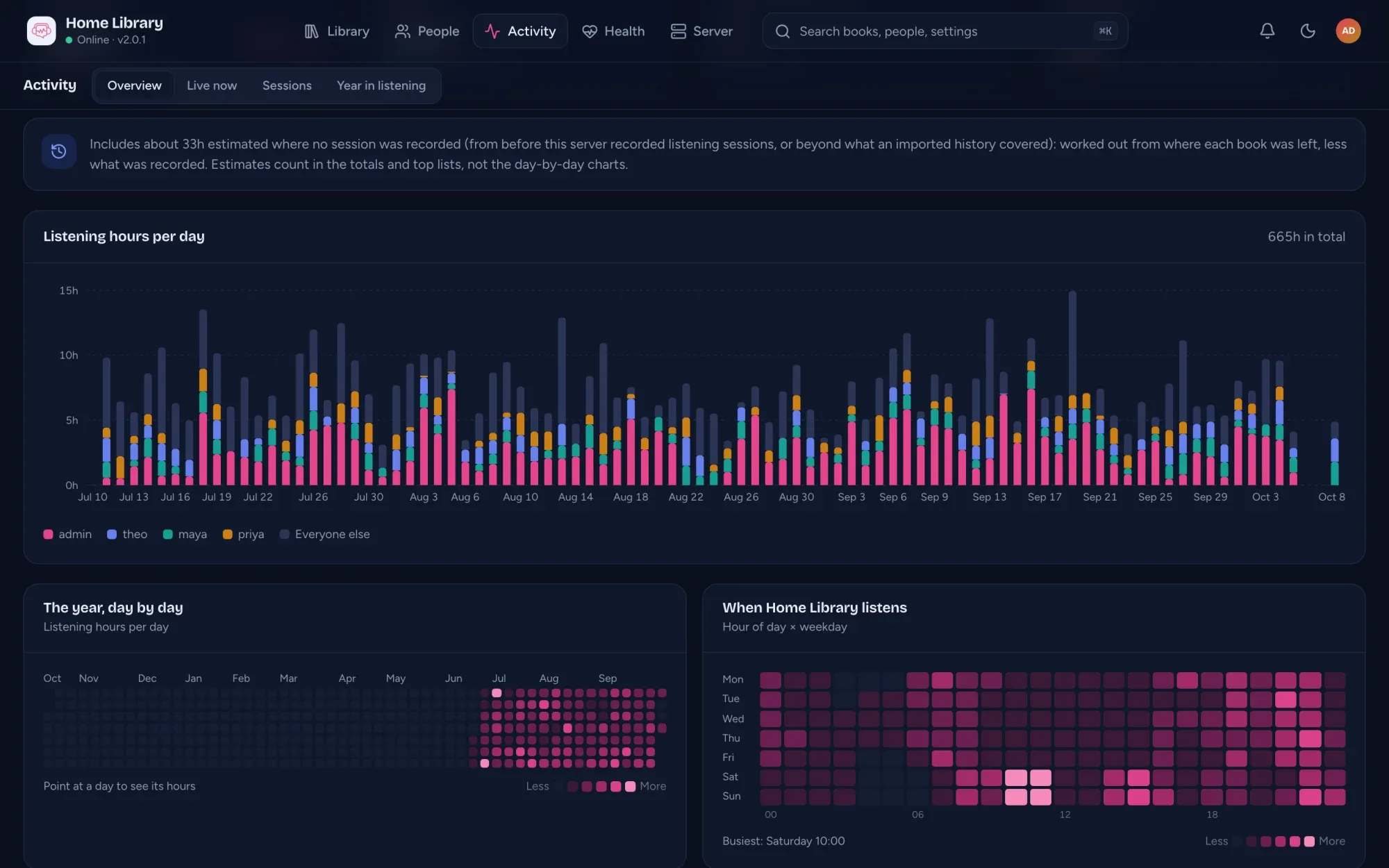
Backups and updates
A snapshot every night at 03:00, seven kept, on by default. Download or restore from the console.
Notifications, logs, audit
Webhook, ntfy or Discord for new books, failed scans and more. A live log with secrets redacted, and an audit log.
Coming from Audiobookshelf?
Import listening history per person, review it, apply it, undo it. Audiobookshelf is only read.
AudioSilo is free; sponsors keep it going. After a month or so, the admin console shows its admins one small card about sponsoring on the Overview: I've donated hides it for good on that server, Not now for six months. It's never in the player, and giving unlocks nothing. How AudioSilo is paid for. Full reference in the documentation.
Try the player your server ships.
The demo is a real AudioSilo server running the same web player, with a throwaway account made for you and 29 public-domain classics matched to community metadata.
No sign-up, nothing to install. It opens the real web player in a new tab.
Demo visitors don't get the admin console; the tour above shows it.