M4B vs MP3 for audiobooks: chapters, size and what plays where
Guide · 4 min · 8 chapters
M4B keeps a whole audiobook in one file with its chapters and cover; MP3 plays on anything. How they differ, when to convert, and how a server handles both.
Published Checked against Server 2.3.1, app 2.0.0 on
M4B vs MP3 for audiobooks: chapters, size and what plays where
4:00 minutes to read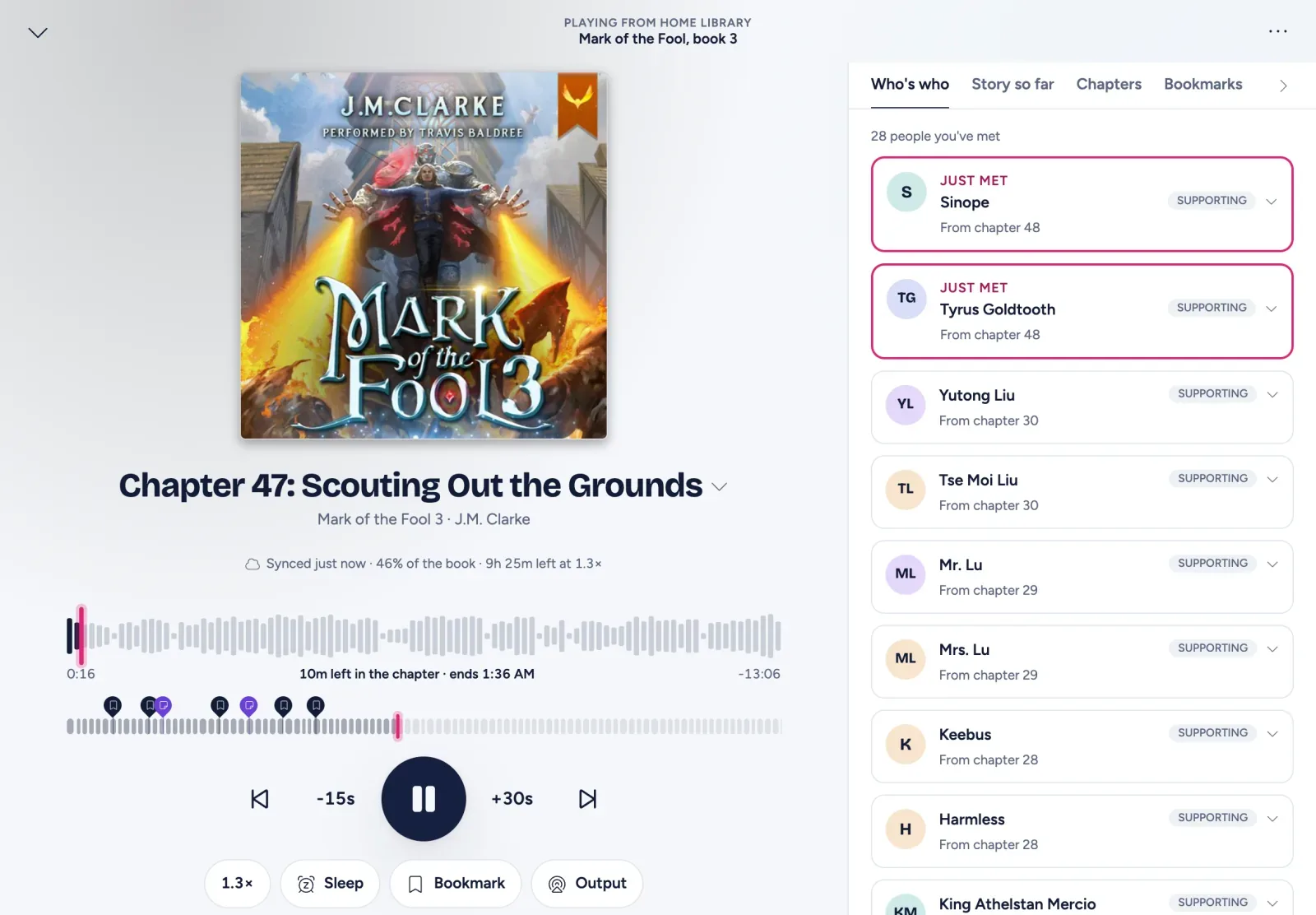
M4B is the format made for audiobooks: one file holds the whole book, its chapter marks and its cover, and players treat it as a book rather than a song. MP3 is the format everything can play, but an audiobook in MP3 usually comes as a folder of files, one per chapter or per disc track. For a library you listen to through an audiobook app or server, M4B is the tidier choice; MP3 is the safer one for an old car stereo or a cheap MP3 player.
What an M4B file is
An M4B is an MPEG-4 audio file, almost always with AAC audio inside: the same format as an .m4a, with a different extension so that players know it’s a book. On top of the audio it carries:
- Chapter marks, with names, so you can jump to “Chapter 12” inside one file.
- Cover art and the usual tags (title, author, narrator).
- Everything in one file, however long the book is.
AAC generally sounds better than MP3 at the same bitrate, so an M4B is often smaller for the same quality.
What an MP3 audiobook is
MP3 is the oldest and most widely supported audio format. Audiobooks in MP3 (CD rips, many downloads, LibriVox) usually arrive as a numbered set of files. The format has a way to store chapters (ID3 chapter frames), but players support it unevenly, so in practice the files themselves act as the chapters.
Side by side
| M4B | MP3 | |
|---|---|---|
| Files per book | One | Usually many |
| Chapters | Inside the file, with names | Usually one file per chapter or track |
| Cover and tags | Inside the file | Inside each file, or a cover.jpg |
| Quality for size | Better (AAC) | Fine, a little larger |
| Plays on | Phones, computers, audiobook apps and servers | Practically everything, including old car stereos |
| Editing | Needs audiobook-aware tools | Any audio tool |
Does it matter to an audiobook server?
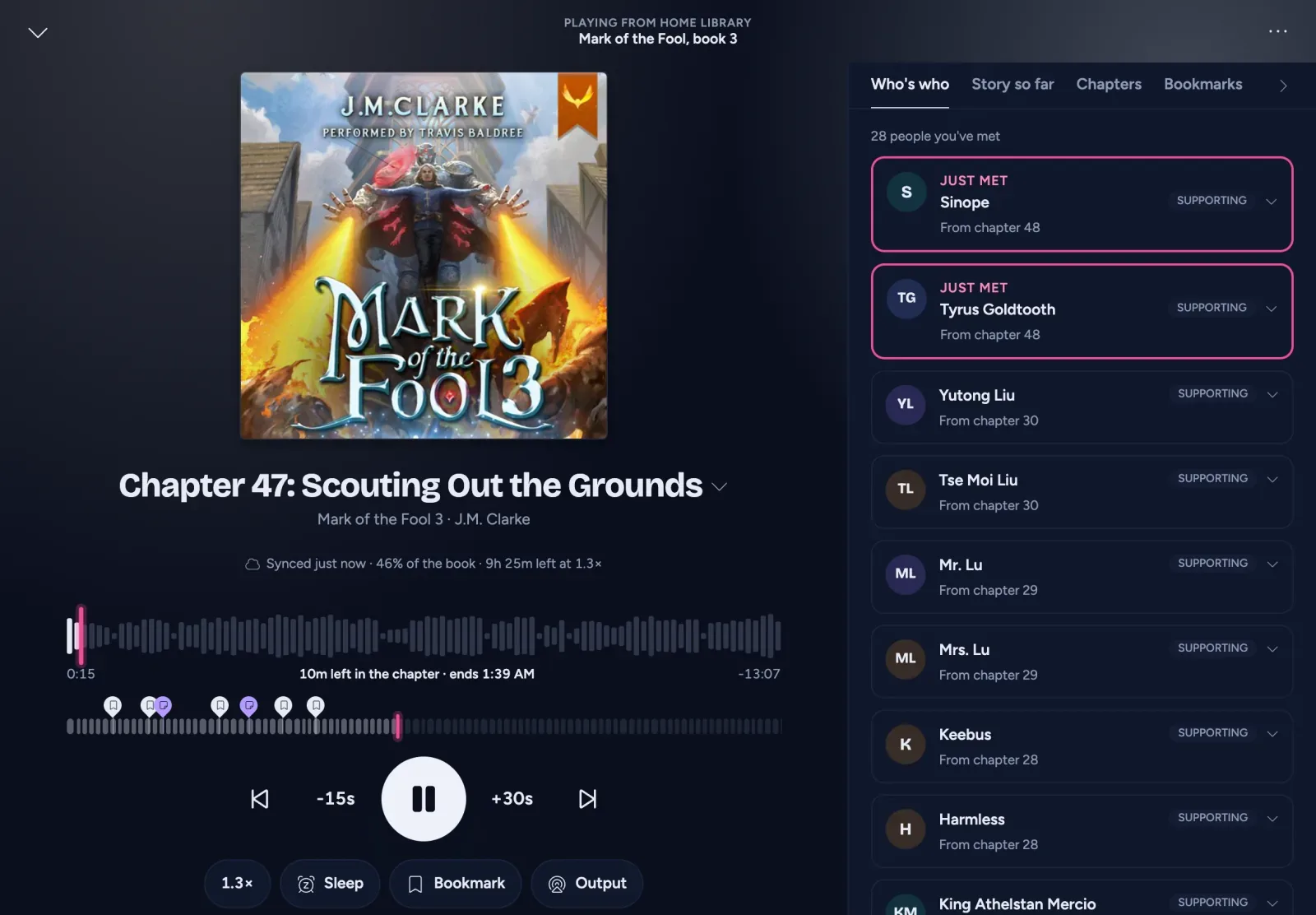
Much less than you might think. AudioSilo indexes .m4b, .m4a, .mp4, .mp3, .flac, .ogg and .opus, and presents a single M4B and a folder of MP3s the same way: one book with one continuous timeline and a chapter list. Seeking, progress, bookmarks and the sleep timer work across the file boundaries of a multi-file book.
A few things help either format:
- A long file with no chapters (a single MP3, or an M4B without marks) gets virtual chapters in the player, every 30 minutes by default. Change the length under Settings > Playback > Chapter length (unchaptered), from 5 to 60 minutes.
- Community chapters (server 2.1 and later): once a book is matched to the community database, a book with no chapters of its own, or only one per file, can take the real chapter list of its recording, fitted onto your audio.
- Codecs a browser can’t play are converted on the fly for the web player when the server has ffmpeg, which the Docker image includes. The phone apps play the files directly, where the phone can decode them.
So there is no need to convert a working MP3 library just for AudioSilo. Keep each book’s files in their own folder, numbered so they sort (01, 02, … 10), and it plays as one book. How to organise audiobook folders has the layout.
When converting MP3 to M4B is worth it
- You want named chapters inside the file for other players too.
- You carry books around as files (to a phone’s file player, say) and one file per book is easier.
- You want a smaller library and are happy to re-encode once.
Converting MP3 to M4B means re-encoding to AAC, which loses a little quality each time; pick a bitrate at or above the source’s and keep the originals until you’re happy.
Tools that do it
-
m4b-tool: a command-line tool that merges, splits and adds chapters to MP3, OGG, FLAC, M4A or M4B files. Good for batches.
-
AudioBookConverter: a desktop app that turns a set of MP3s into one M4B with chapters and artwork. The Windows build is the main one; its Mac and Linux builds are marked experimental.
-
ffmpeg on its own, for a quick merge without chapters:
# in the book's folder: list the parts in order, then join and encode them
printf "file '%s'\n" *.mp3 > parts.txt
ffmpeg -f concat -safe 0 -i parts.txt -map 0:a -c:a aac -b:a 64k book.m4b
This gives one M4B with no chapter marks. Use one of the tools above if you want a chapter per original file.
What about FLAC, Opus and Audible’s AAX?
- FLAC is lossless and large. Fine for archiving a CD rip; more than speech needs for everyday listening.
- OGG and Opus are efficient open formats. AudioSilo indexes them, and its web player has ffmpeg convert them where a browser can’t play them.
- AAX and AAXC are Audible’s locked formats. They contain AAC audio, so they convert to M4B without re-encoding; see How to back up your Audible library.
The short version
Use M4B where you can: one file, real chapters, better quality for its size. Keep MP3 where you need it, and don’t worry about mixing the two in one library, because a good audiobook server treats them the same.
Changes to this post
-
First published.
Up next
- 1 How to organise audiobook folders so every player gets them right Guide · 5 min
- 2 How to back up your Audible library to M4B and listen on your own server Guide · 6 min
- 3 AudioSilo player tips: 14 features worth knowing Tip · 4 min