How to organise audiobook folders so every player gets them right
Guide · 5 min · 9 chapters
One folder per book, inside its series, inside its author. The layout, naming rules, tags, covers and the awkward cases (disc folders, short stories) that trip scanners up.
Published Checked against Server 2.3.1 on
How to organise audiobook folders so every player gets them right
5:00 minutes to read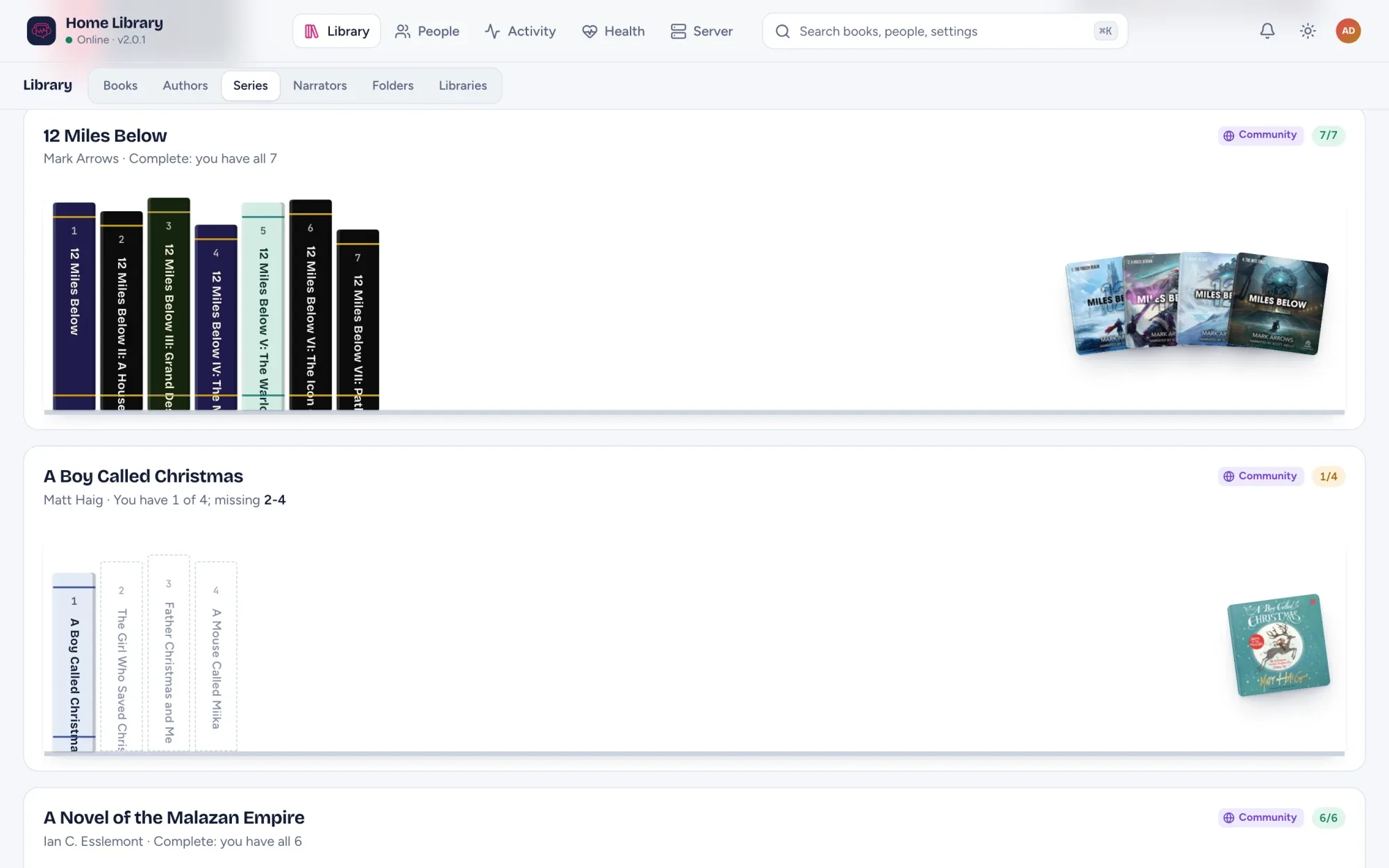
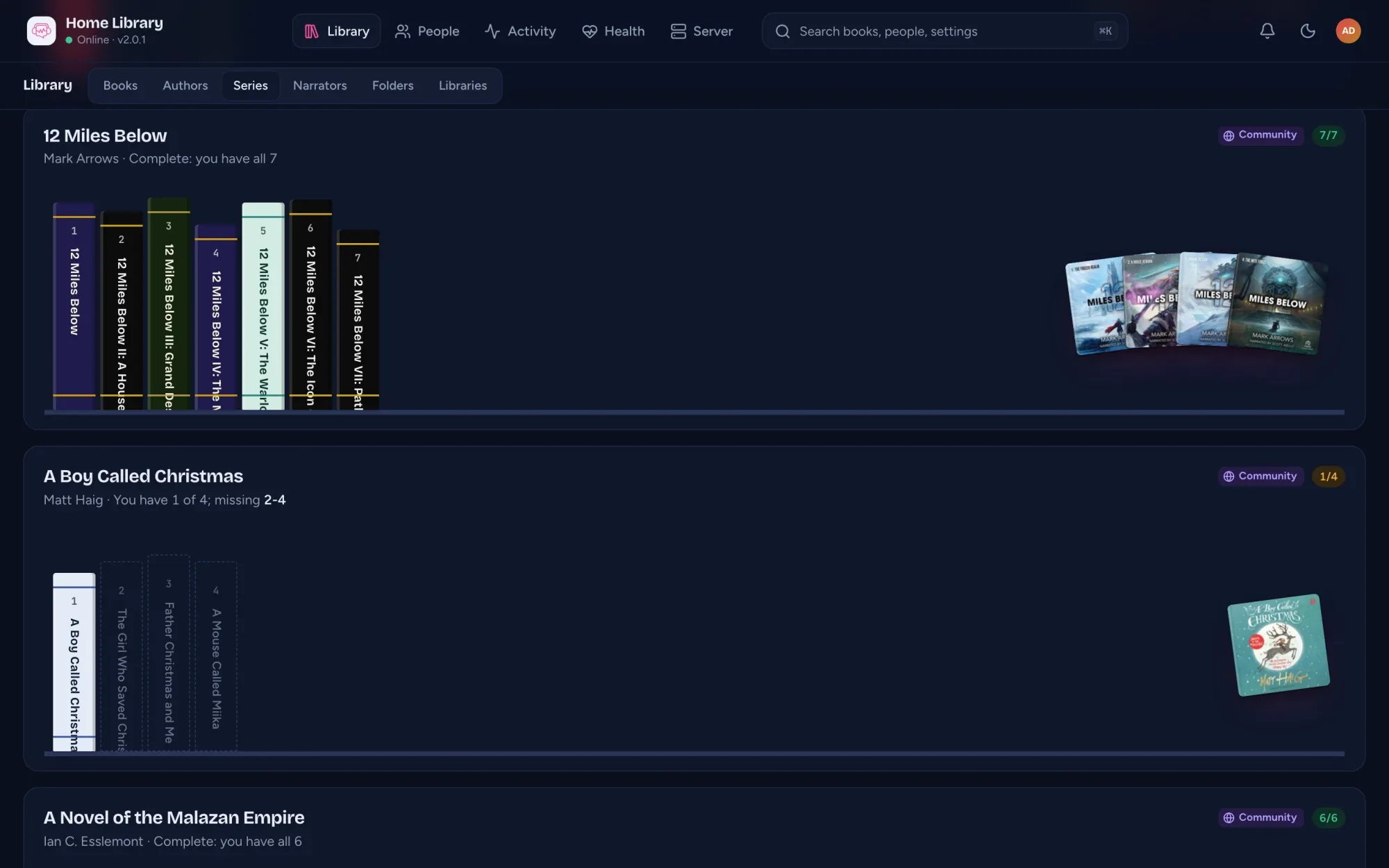
The short answer: give every book its own folder, put it inside a folder for its series (if it has one), and put that inside a folder for its author. Start the book folder with its number in the series. That one layout works in AudioSilo, in Audiobookshelf and in most other audiobook players:
Audiobooks/
├── Terry Pratchett/
│   └── Discworld/
│       ├── 01 - The Colour of Magic/
│       │   └── The Colour of Magic.m4b
│       └── 02 - The Light Fantastic/
│           ├── Part 01.mp3
│           ├── Part 02.mp3
│           └── cover.jpg
└── Andy Weir/
    └── Project Hail Mary/
        └── Project Hail Mary.m4b
The rest of this guide explains why it works, what to do with the awkward cases, and how tags fit in.
One folder, one book
The rule audiobook servers share is that a folder that directly holds audio files is one book. Every audio file in it is a part of that book, played in filename order. It makes no difference whether the folder holds one M4B or fifty MP3s.
Two things follow from that:
- Never put two books’ files in the same folder. They would be read as one long book.
- Number multi-file parts so they sort:
01,02…10, not1,2…10, or part 10 lands after part 1.
A loose audio file sitting directly in the top folder of the library is the exception: it is read as a book of its own. So a flat folder of M4B files works too, with no folders at all, although you then lose the author and series that folder names give you.
Authors, series and numbers
When a book’s tags don’t say otherwise, AudioSilo reads the layout like this:
Author/Series/03 - Title/is book 3 of Series by Author.Author/Title/is a standalone by Author, with no series.- A leading number followed by a separator (
03 - Title,Book 3 - Title,Vol 3 - Title) is the book’s place in the series. A number that is part of the title, like20,000 Leagues Under the Seaor1984, is left alone.
Use whole numbers in folder names. For an in-between novella (book 2.5, say) or an omnibus that covers books 1 to 3, set the series number in the admin console instead, where ranges like 1-3 are supported.
One M4B or a folder of MP3s?
Both work equally well as far as the server is concerned: a folder of MP3 chapter files plays as one book with one continuous timeline, just like a single M4B. The difference is in what the file carries: an M4B holds its chapters and cover inside it, while a folder of MP3s usually gets one chapter per file. M4B vs MP3 compares them properly.
Covers
Drop a cover.jpg (or cover.png, folder.jpg, folder.png) into the book’s folder. Otherwise AudioSilo uses another image in the book’s folder, and failing that the art embedded in the audio file. Most M4B files carry their cover inside, so many books need nothing at all.
Tags: the other half of the story
Folder names give every book a sensible baseline, but most audiobook files also carry tags, and by default AudioSilo lets meaningful tags win:
| What | Where it usually lives |
|---|---|
| Title | The album tag (or title, when that holds the fuller “Series: Book” name) |
| Author | album artist or artist |
| Narrator | composer or a narrator tag |
| Series | a series tag, where the file has one |
Junk tags such as “Track 01” are ignored in favour of the folder name. If your folders are well named and your tags are a mess, switch the library to take book details from folder names first (Edit library in the admin console) rather than retagging hundreds of files.
To fix tags in the files themselves, a tag editor such as Mp3tag (Windows and macOS) or the command-line tone handles both MP3 and M4B. You don’t have to, though: corrections made in AudioSilo’s admin console are stored in its database and never touch your files.
The awkward cases
Books split into disc folders
A rip that keeps CD1, CD2 subfolders inside the book’s folder is read as one book per disc at first. Set the book’s folder to Always one book (Folder detection, in the library’s menu) and AudioSilo joins the discs into one book in disc order. Health points these folders out for you.
A folder of unrelated short stories
Short Stories/The Dead.m4b, Short Stories/The Gift of the Magi.m4b and so on would be read as one book in three parts. Set that folder to Separate books and each file becomes its own book. Both overrides survive rescans.
Coming from Audiobookshelf
If Audiobookshelf left a metadata.json in each book’s folder (its Store metadata with item setting), AudioSilo 2.3.1 and later reads it: the title, authors, narrators, series and number, published year, description, ASIN and ISBN in the file go over the tags, as they do in Audiobookshelf. Books with an ASIN or ISBN in that file count as matched straight away. AudioSilo never writes to the file. More in Moving from Audiobookshelf.
Audible files
.aax and .aaxc files are locked to your Audible account and aren’t indexed. Convert them to M4B first: How to back up your Audible library.
Reorganise freely
AudioSilo keeps your listening progress, bookmarks and notes attached to the book, not to a database row. Retagging a file changes nothing. Renaming or moving a book is noticed too: the server fingerprints each file, and when a known file disappears from one place and appears in another, its progress and bookmarks move with it.
If your books live on a network share, mount it on the server first and point the library at the mounted path. Should the share drop while the server runs, AudioSilo refuses to treat the missing books as deleted, so nothing is lost; they come back when the share does.
A checklist
- Each book in its own folder, inside
Author/Series/orAuthor/. - Book folders in a series start with a whole number:
01 - Title. - Multi-file parts numbered with leading zeros.
- A
cover.jpgwhere the files don’t carry art. - No
.aaxfiles: convert them to M4B. - Then let the server do the rest, and fix stragglers in the console: see Fix covers and series.
The full reference is Organizing your library in the AudioSilo docs.
Changes to this post
-
First published.