AudioSilo Server 2.3: household members, Chromecast and a local metadata copy
Release · 4 min · 9 chapters
Add kids and grown-ups from the player, see what the house is playing, cast to a Chromecast, keep the community database on your server, and read Audiobookshelf's metadata.json.
Published Checked against Server 2.3.0 and 2.3.1, with its bundled web player on
AudioSilo Server 2.3: household members, Chromecast and a local metadata copy
4:00 minutes to read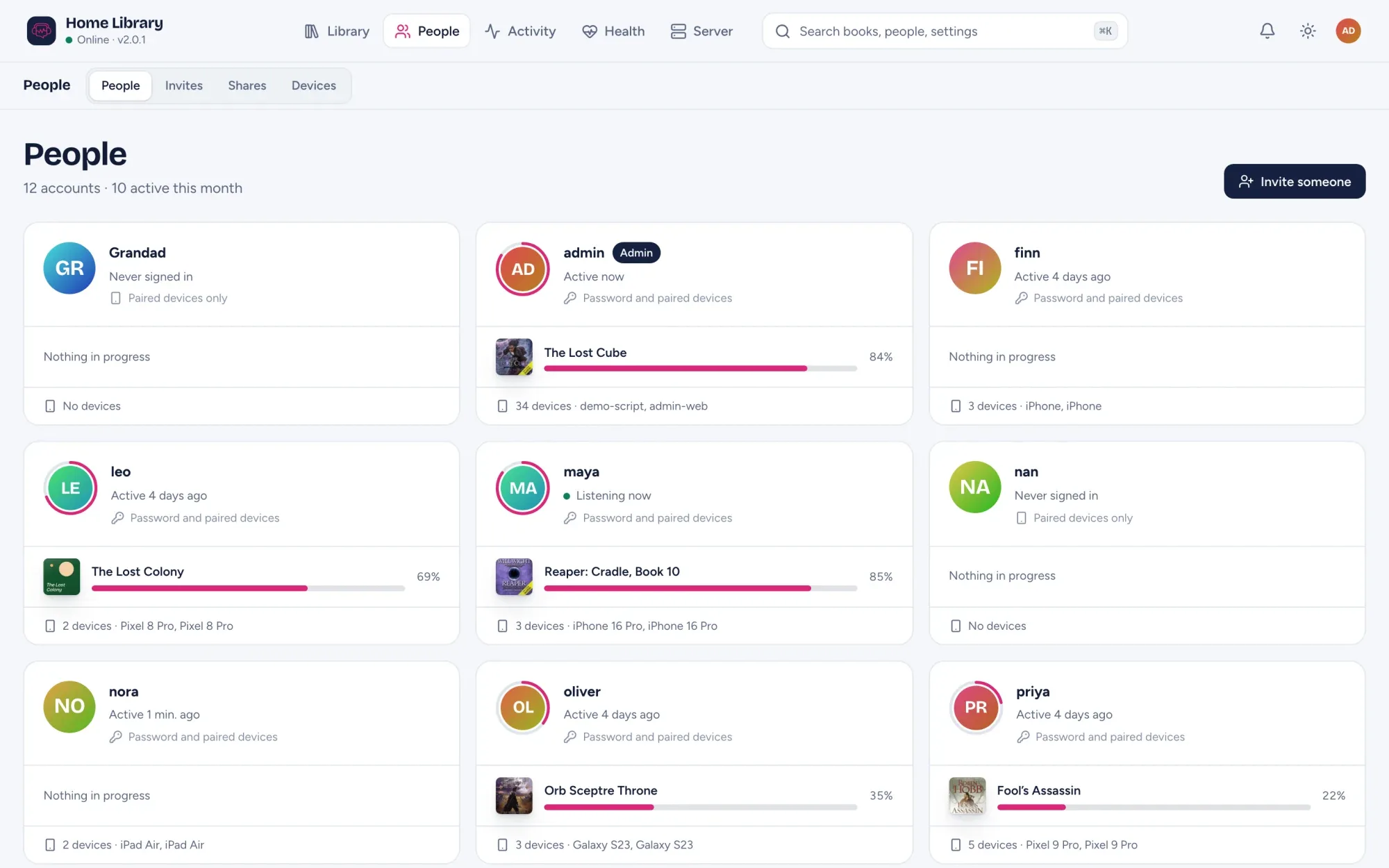
AudioSilo Server 2.3.0 and 2.3.1 came out on 14 October. 2.3.0 is about the people you listen with: household members you add yourself, an opt-in view of what the house is playing, and casting to a Chromecast. It also tidies up series and lets the server keep the community metadata on your own disk. 2.3.1 follows with Audiobookshelf’s metadata.json.
Where it runs: the new listening features are in the web player bundled with the server (/web). The iPhone, iPad and Android apps in the stores are 2.0.0 and don’t have them yet. Every change to the player API is additive, so the apps keep working with 2.3 as before.
Update with docker compose pull && docker compose up -d, or from GitHub Releases. Back up your data folder first: 2.3.0 runs five migrations (0041 to 0045) and 2.3.1 one (0046).
Household members
Anyone with an account, not just the admin, can now add the kids and grown-ups they live with, from the player, with no invite.
- A kid is signed in on the owner’s device in kids mode; a grown-up gets a pairing QR for their own device.
- Each member sees either everything the owner can listen to, or only the collections the owner shares with them.
- Admins see households grouped on the People page, and can turn the feature off or limit who may add members.
These are real accounts with their own progress, bookmarks and stats. See Your household.
Listening in the house
People who opt in see what the rest of the household is playing or just listened to, and only books they could open themselves. It’s off by default and reciprocal: you see others only while you share. See Listening in the house.
Chromecast
The web player can cast a book to a Chromecast, a TV with Google Cast or a Nest speaker, from Chrome, Edge and other Chromium browsers when the player is opened over HTTPS. The server mints a short-lived token that can stream only that one book, so the Cast device never sees your sign-in. The Cast device has to trust the server’s certificate, so a server on the default self-signed certificate can’t cast. See Chromecast.
Plain HTTP at home, for self-signed servers
Out of the box the server uses its own certificate, which browsers let you accept but phone apps can’t. The port now also answers plain HTTP to devices on your home network (and sends everyone else to HTTPS), and pairing links tell the apps that address. It’s on by default, and off when you supply your own certificate; turn it off with Plain HTTP at home (Server > Settings > Network & HTTPS) or AUDIOSILO_TLS_HOME_HTTP=false.
The apps use this from app 2.1, which isn’t in the stores yet; until then they still need a trusted certificate. Away from home always needs autocert or a reverse proxy: Listen away from home.
Series
- Omnibus editions: a series number can be a range,
1-3. The book shows as #1-3, fills books 1 to 3 on the Series cards and in the player, and “next in series” continues with book 4. - One series, any spelling: “He Who Fights With Monsters” and “…with Monsters” are one series everywhere. The Series page is paged and searchable, and Health lists series spelled several ways.
- Books in several series: “next” follows every series a book is in without stepping backwards.
- Series cards pick the right community rail for sub-series (Tiffany Aching, not all of Discworld).
Community metadata on your own server
- Keep a local copy (
metadata.mode: mirror, Settings > Community metadata > Source): the server downloads the community database (about 450 MB, 1.8 GB on disk) and answers lookups from it, so no book is looked up over the internet. - Fill in matched books (Health > Not matched) refreshes the details of books that already have an ASIN or ISBN.
- A match is applied automatically only when the recording’s length is within 10% of the book’s, so a dramatization no longer lands on an unabridged book unasked.
- Duplicates: Health now says when two books share an ASIN or ISBN, and warns when their lengths differ.
2.3.1: Audiobookshelf’s metadata.json
When a book’s folder holds the metadata.json Audiobookshelf writes (its Store metadata with item setting), AudioSilo now reads it. The title, authors, narrators, series and number, published year, description, ASIN and ISBN go over the audio tags, a book with an ASIN or ISBN counts as matched straight away, and your own edits still win. AudioSilo never writes to the file. More in Moving from Audiobookshelf.
Also
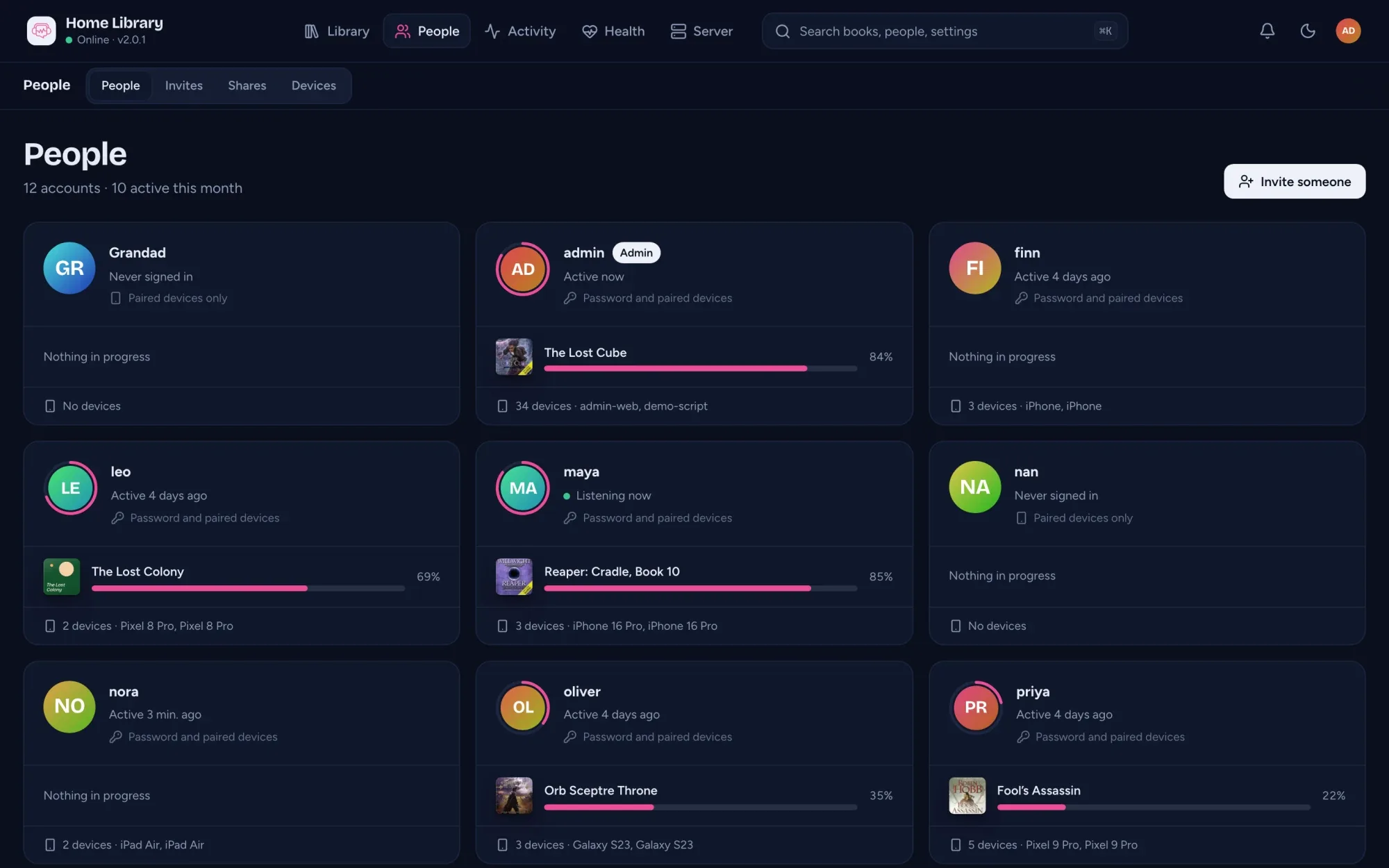
The connect and setup pages now match the admin console’s look, in light and dark.
Changes to this post
-
First published.
This post replaces AudioSilo Server 2.1 and 2.2: community chapters, books in several series, covers.